EasyManua.ls Logo

Commodore PC 10 - Page 390

Commodore PC 10
494 pages
Print Icon
To Next Page IconTo Next Page
To Previous Page IconTo Previous Page
Loading...
\252
MS-DOS User's Reference
Reconfiguring a
tape drive
Example:
Suppose
your
computer
has an internal
tape
drive
on
drive D that
is configured
at
startup
to
write
20
tracks
of
40
sectors
per
track.
If
you
want
to
reconfigure this tape
drive
to
write
10
tracks
of
99
sectors each, you
can
put
the
following line in
your
config.sys file:
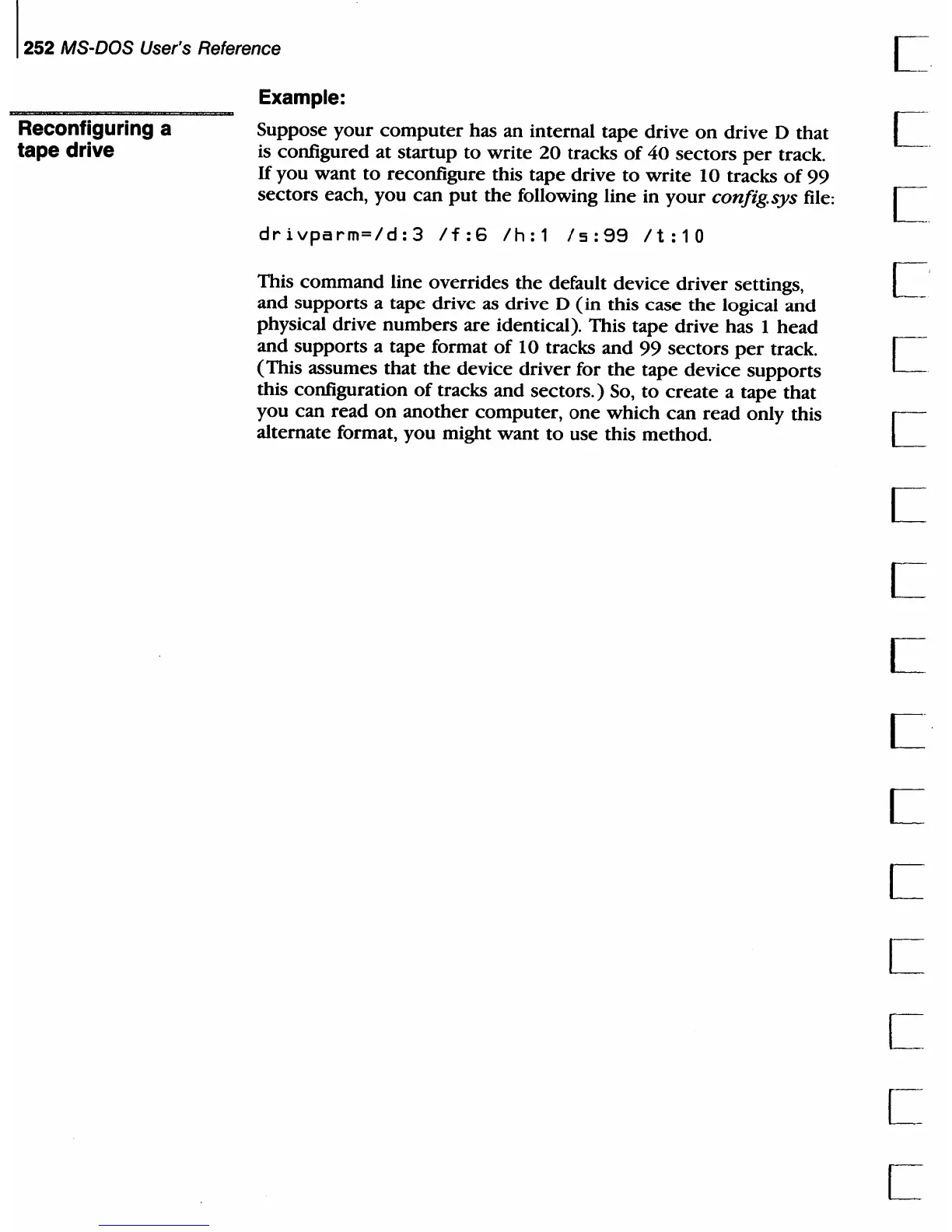
drivparm=/d:3
If:6
Ih:1
15:99
It:10
This
command
line overrides
the
default device
driver
settings,
L'
and
supports
a tape drive as drive D
(in
this
case
the
logical
and
physical drive
numbers
are
identical). This tape drive has 1
head
and
supports
a tape format
of
10 tracks
and
99
sectors
per
track. C
(This assumes that
the
device
driver
for
the
tape device
supports
this configuration
of
tracks and
sectors.)
So,
to
create
a tape
that
you
can
read
on
another
computer,
one
which
can
read
only this
.-
alternate format, you might
want
to
use this method. L

Table of Contents

Related product manuals