EasyManua.ls Logo

Commodore PC 10 - Page 435

Commodore PC 10
494 pages
Print Icon
To Next Page IconTo Next Page
To Previous Page IconTo Previous Page
Loading...
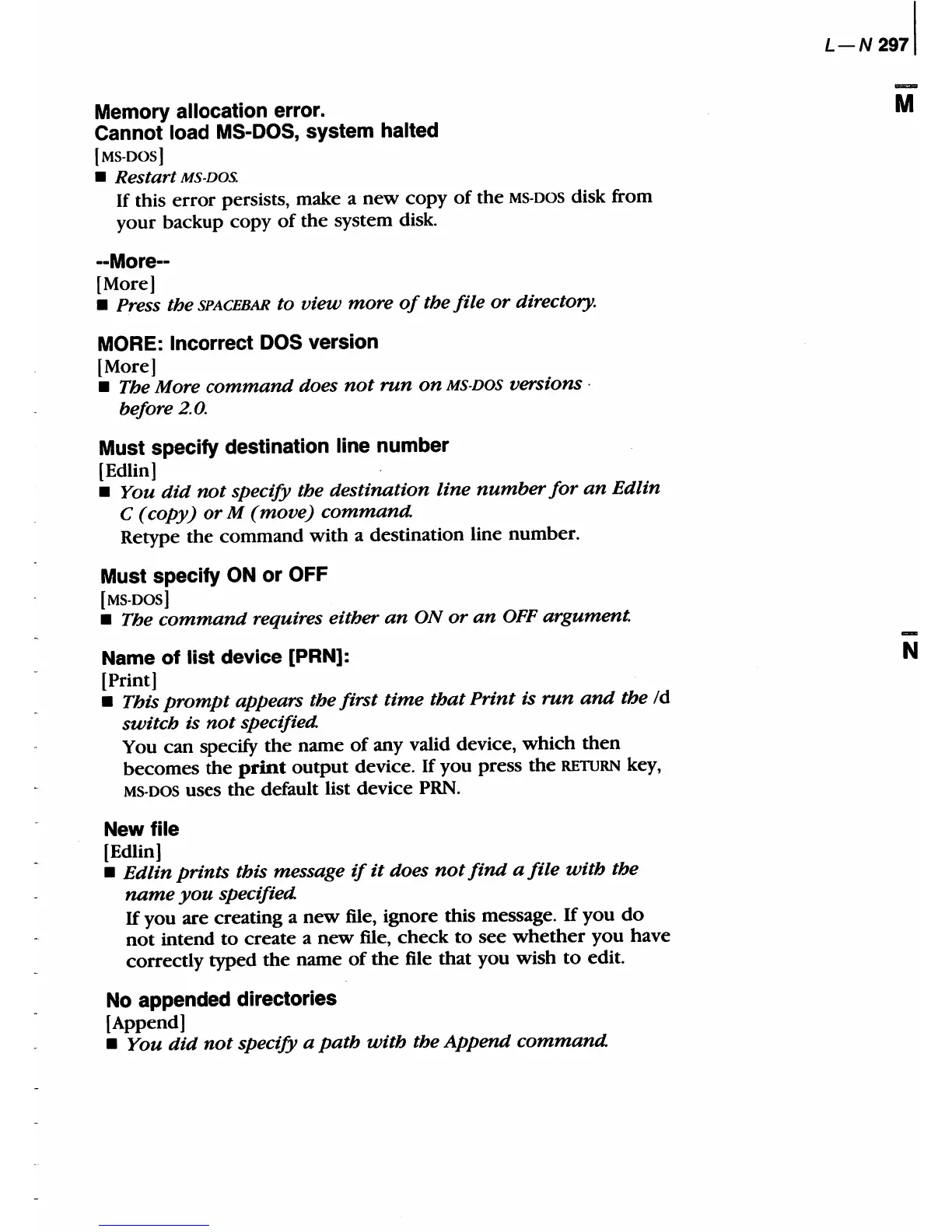
Memory allocation error.
Cannot load
MS-DOS,
system halted
[MS-DOS]
Restart MS-DOS.
If
this
error
persists, make a
new
copy
of
the
MS-DOS disk from
your
backup copy
of
the
system disk.
--More--
[More]
Press the SPACEBAR to view more
of
the file
or
directory.
MORE: Incorrect
DOS
version
[More]
The More
command
does
not
run
on
MS-DOS
versions·
before 2.0.
Must specify destination line number
[Edlin]
You
did
not
specify the destination line
number
for
an
Edlin
C (copy)
or
M
(move)
command.
Retype
the
command
with
a destination line number.
Must specify
ON
or
OFF
[MS-DOS]
The
command
requires either
an
ON
or
an
OFF
argument.
Name
of
list
device [PRN):
[Print]
This
prompt
appears the first
time
that
Print is
run
and
the
/d
switch is
not
specified.
You
can
specify
the
name
of
any valid device,
which
then
becomes
the
print
output
device. If
you
press
the
RETURN
key,
MS-DOS uses
the
default list device
PRN.
New file
[Edlin]
Edlin
prints
this message
if
it
does
not
find
a
file
with
the
name
you
specified.
If
you
are
creating a
new
file, ignore this message.
If
you
do
not
intend
to
create
a
new
file,
check
to
see
whether
you
have
correctly typed
the
name
of
the
file
that
you
wish
to
edit_
No appended directories
[Append]
You
did
not
specify a
path
with
the
Append
command.
L-N2971
M
N

Table of Contents

Related product manuals