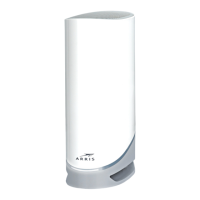
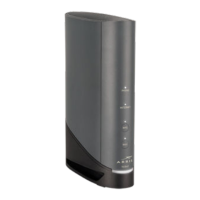
1. Internet: Indicates Internet data transmission status.
2. WiFi: indicates the status of the wireless LAN.
3. WPS Buon/LED: Begins associang the Data Gateway with a wireless device. The LED
indicates that Wireless Protected Setup (WPS) is acve.
Internet LED
Light paerns for the Internet LED during normal operaon
Event LED Status
Downstream scanning in progress Red (slow blink)
Upstream ranging in progress Red (fast blink)
Ranging completed; registraon in progress White (slow blink)
Cable modem was successfully registered White (steady)
Cable modem failed to register Red (steady)
Chapter 4: Operate the Data Gateway
Touchstone DG6450 Data Gateway User Guide DRAFT Revision 2.5 28


 To Next Page