6-3
6. Operating Instructions
6.3.3 Calibrate Now
The CMM unit must be on for a minimum of 30
minutes before calibration can be started.
This time will allow the CO sensor cell to
stabilize. By pressing “2” while in the main
menu (see section 6.3.1) you will access the
“CALIBRATE NOW” screen.
Follow on screen instructions for calibration
procedures.
fig 6.3.3-1
If the sample bottles are not opened or empty,
you will receive an error message during the
calibration phase indicating which bottle is
empty.
6.3.4 By-Pass CO or MO Monitors
This is to be done in EMERGENCY situations
ONLY when AIR is KNOWN to be
ACCEPTABLE.
By pressing “3” while in the “Main Menu” (see
section 6.3.1) you will access the “CO MO
BYPASS” menu.
In this example we will show the CO monitor
bypass procedure. The MO monitor bypass
follows the same pattern.)
By pressing “1” while in the “CO MO BYPASS”
menu (see fig. 6.3.4-1) you will access the “CO
MONITOR Bypass” menu.
By pressing “1” while in the “CO Bypass” menu
(see fig. 6.3.4-2) you will bypass the CO
monitoring system.
fig.6.3.4-1 CO MO BYPASS MENU
fig. 6.3.4-2 CO Bypass Menu
fig. 6.3.4-3 CO ALARM BYPASSED
DANGER!
CALIBRATING...
TURN ON BOTTLES!
PRESS 1
PRESS 9
TO CALIBRATE
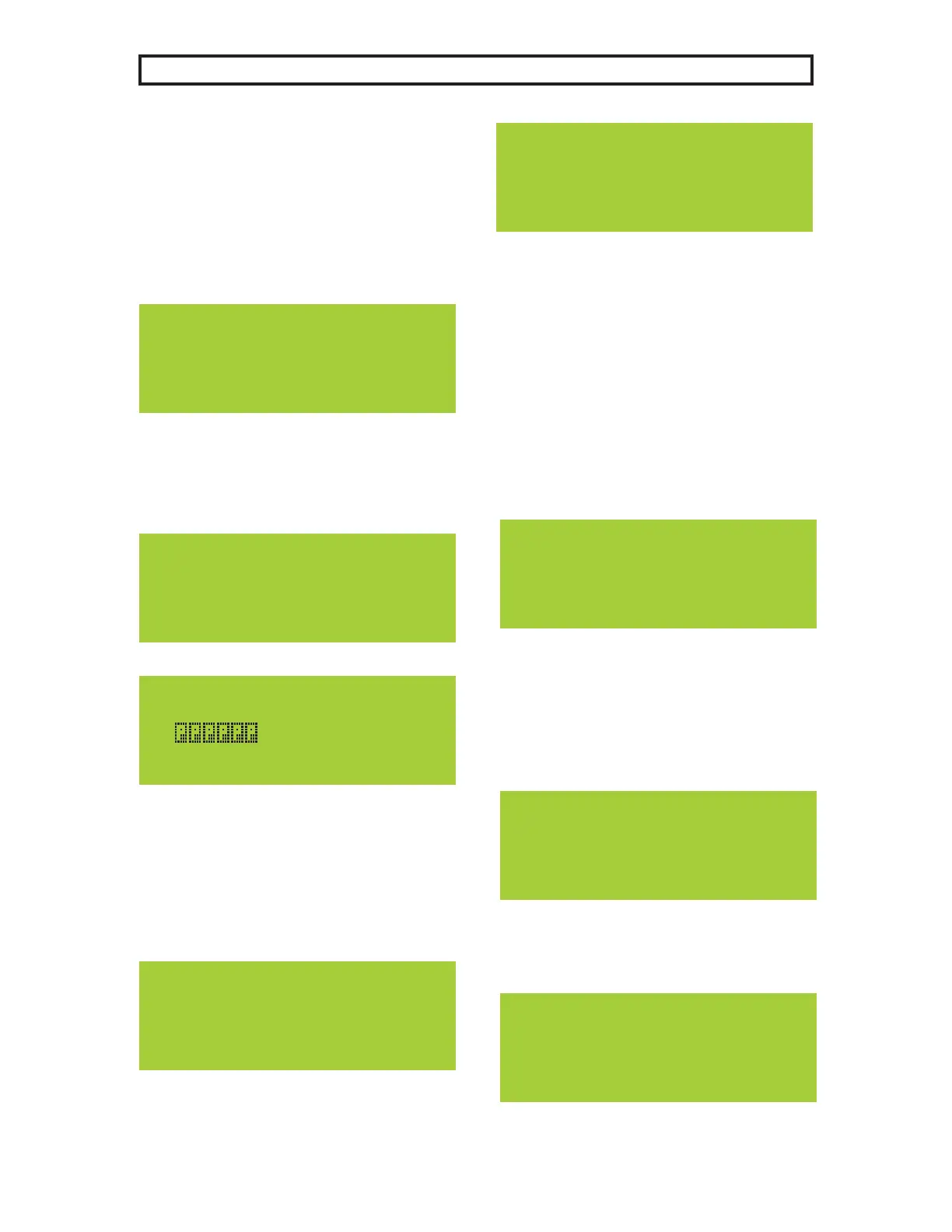
fig. 6.3.3-3 Calibrating Screen
During the calibration sequence the progress
bar will be displayed and the calibration in
progress LED will turn on. (see fig.4.2-1#4)
When the calibration is finished “Calibration
Complete” will be displayed.
fig 6.3.3-2
CALIBRATING...
CALIBRATION COMPLETE
PRESS 1
fig 6.3.3-4
TURN OFF BOTTLES!
PRESS 1
fig 6.3.3-5
Pressing 1 will complete the calibration
sequence and display the main menu. (see
figure 6.3.1-1)
1)BYPASS CO Monitor
2)Cancel CO BYPASS
1) CO BYPASS
2) MO BYPASS
3) MO TIMEOUT
1)BYPASS CO Monitor
2)Cancel CO BYPASS
CO BYPASSED!
CO ALARM BYPASSED



 To Next Page