Technical Reference Guide
Compaq Deskpro Personal Computers
Third Edition - April 2001
2-5
2.3.1 CABINET LAYOUTS
2.3.1.1 Front Views
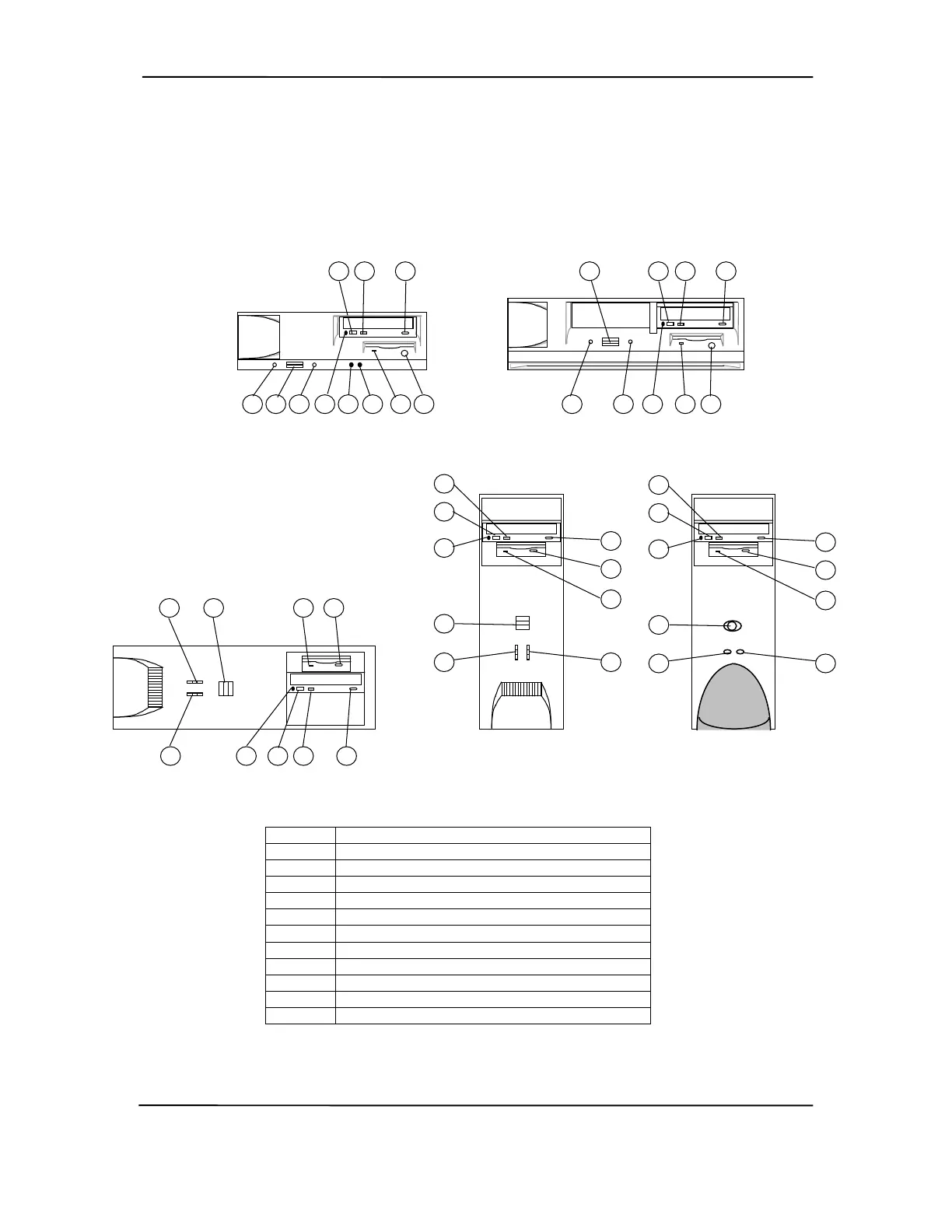
Item Description
1 Power on LED
2 Power button
3 Hard Drive Activity LED
4 CD-ROM drive headphone jack
5 CD-ROM drive volume control
6 CD-ROM drive activity LED
7 1.44-MB diskette drive activity LED
8 1.44-MB diskette drive eject button
9 CD-ROM drive open/close button
10 Microphone In Jack [1]
11 Headphone Out Jack [1]
NOTE: [1] Systems with integrated AC97 audio.
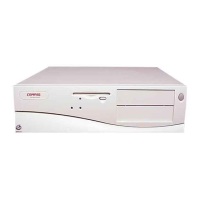
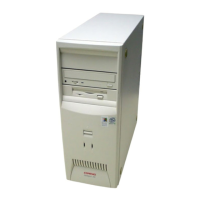
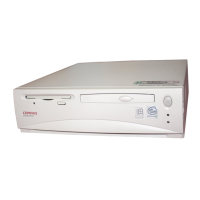
Figure 2–2. Compaq Deskpros, Front Views
Deskpro EN Slim Desktop
7
6
1
2
3
5
4
8
96
4
9
7
1 2
3
Deskpro EN Small Form Factor
5
8
10 11
Deskpro EN
Configurable Minitower
(as a Desktop)
3
1
4 6
2 7
5
8
9
Deskpro EN
Configurable Minitower
(as a Minitower)
1
3
2
4
5
6
7
8
9
Deskpro Workstation AP230
Configurable Minitower
(as a Minitower)
1
3
2
4
5
6
7
8
9




 To Next Page