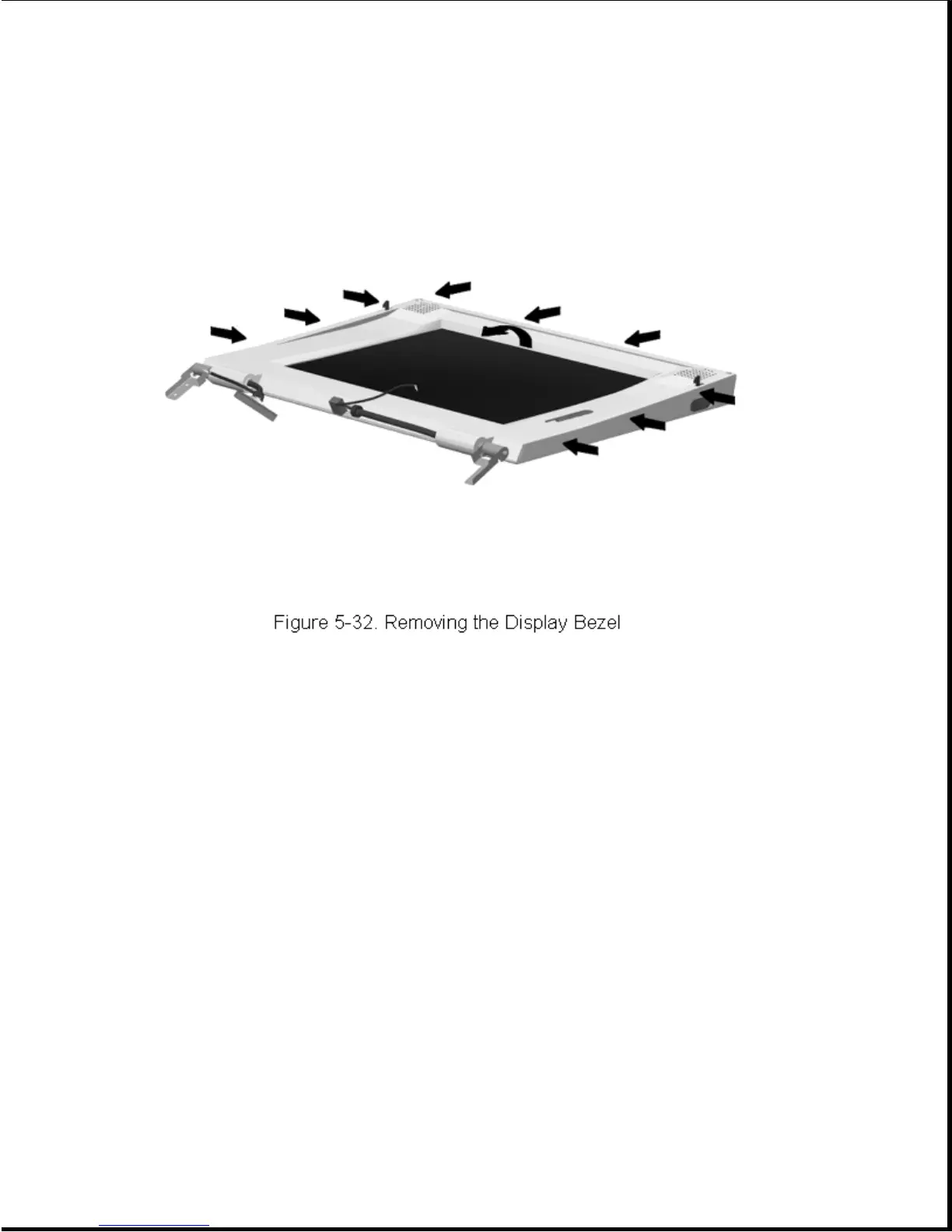
IMPORTANT: Note the routing of the display cables to ensure proper routing
at reassembly.
Reverse the above procedure to install the display bezel, taking care to
properly align the brightness/contrast control(s) with their switches.
5.8.3 Removing and Installing the Latches
To remove the latches, complete the following steps:
1. Remove the display assembly as described in Section 5.8.1.
2. Remove the display bezel as described in Section 5.8.2.
3. Using a small flat-blade screwdriver, apply pressure to the latch
actuator tab [1] to allow the actuator to be removed (Figure 5-33).









 To Next Page