MNC-0000-041 15 of 34 Revision A
Operation Addendum, HPA Control Utility
Utility Setup for SSPA Operation
Use the following procedure to setup and operate HPA Control
Utility for SSPA Operation.
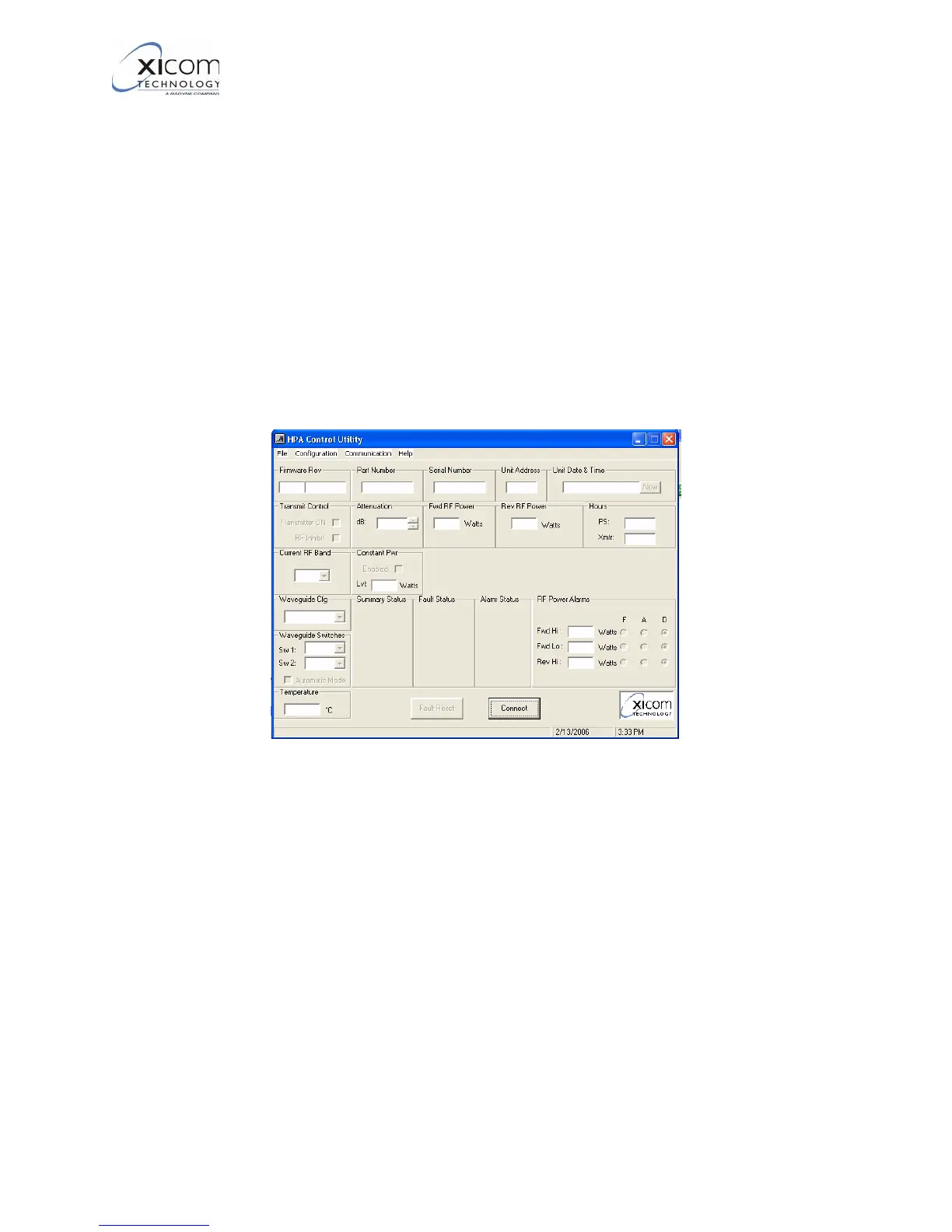
1. Refer to Figure 15 and Figure 16. If this is the initial time running
the program, select “Connect” in the lower center, or “File -> Con-
nect” to scan the first 5 addresses used for amplifiers. All baud
rates will be tested for these amplifiers. If you want to test ALL
possible RS485 addresses, select “File -> Advanced Search”
and all possible addresses and baud rates will be tested. This
search will take much longer than the normal “Connect” search
as all possible baud rate, parity, and data bit combinations are
queried.
Figure 15, Primary User Interface - Disconnected
EAR EXPORT CONTROLLED: The information contained in this Manual refers or relates to a product that is subject
to the U.S. Export Administration Regulations (EAR). Transfer of data herein by any means to a Foreign Person,
whether in the U.S. or abroad, may require an export license from the U.S. Department of Commerce.



 To Next Page