7.10 Alarms
GENERAL
To reset an alarm/warning press the “STOP” or “MENU” buttons.
When an error occurs using the TrueFeed, the display will indicate an error code and description.
Together with the displayed error an output contact will be switched.
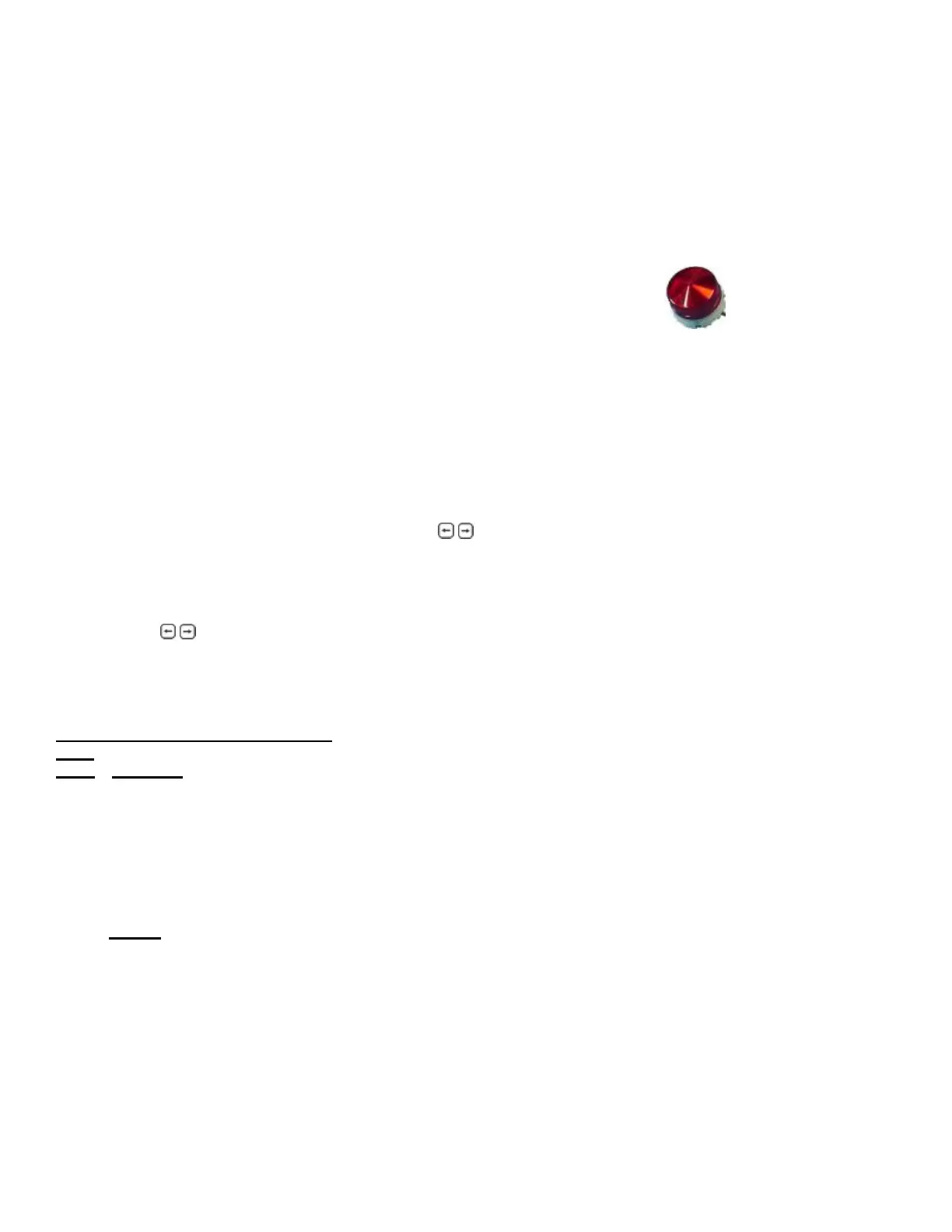
The controller itself gives a beeping signal and the alarm LED will illuminate.
To distinguish a Warning or Alarm:
Warning: Warning output is ON, but the feeding unit continues running
(24VDC contact, pin 22-23 of the main board will be active,
for example to activate the alarm strobe)
Alarm: Alarm output is ON and the feeding unit stops running
(Potential free contact, pins 26-27 of the main board will be active, for example to
stop the injection molding machine)
Free programmable errors can be configured to an Alarm or Warning.
For setting the free programmable outputs to an alarm or warning, enter the ALARMS menu.
First the alarm history will be shown. The alarms and warnings will be stored here.
When you press the “MENU” button again you will enter the alarm configuration menu.
Here you can set the alarm or warning output with
and press “ENTER”.
ALARM HISTORY
All alarms and warnings will be stored in the alarm history.
Go to the ALARMS <menu>
Press
to scroll to the stored alarms (max. 50).
The alarm history can be reset by the supervisor in CONFIGURATION <menu> by
Master reset: Alarm
Listed below are the following Errors
:
Error
Code
Warnings
00 Low hopper level Material is below the hopper empty weight
01 Maximum deviation exceeded The deviation of the material output is too high
02 Filling system unable to load material Fill system is not working correctly
03 Maximum RPM exceeded, change
dispensing cylinder for higher capacity
Calculated motor speed is too high
05 Calibration, no weight change No weight change while calibrating
07 Minimum motor speed < 0.1 RPM Calculated motor speed is too low
Alarms
08 Motor connection failure Motor not connected/Motor or connection damaged
09 Parameters damaged Check configuration parameters
10 Parameters set to factory defaults Check all parameter settings
11 Loadcell calibration set to factory defaults Recalibrate the loadcell
13 Loadcell connection failure Loadcell connection is not correct
14 UDP link error No Ethernet connection between the Regrind and Color units
15 Software version mismatch Software versions of the Regrind and Color units are different
31 Dual Feed TrueFeed Manual


 To Next Page