32
6.1.3.3 Retrieve the password
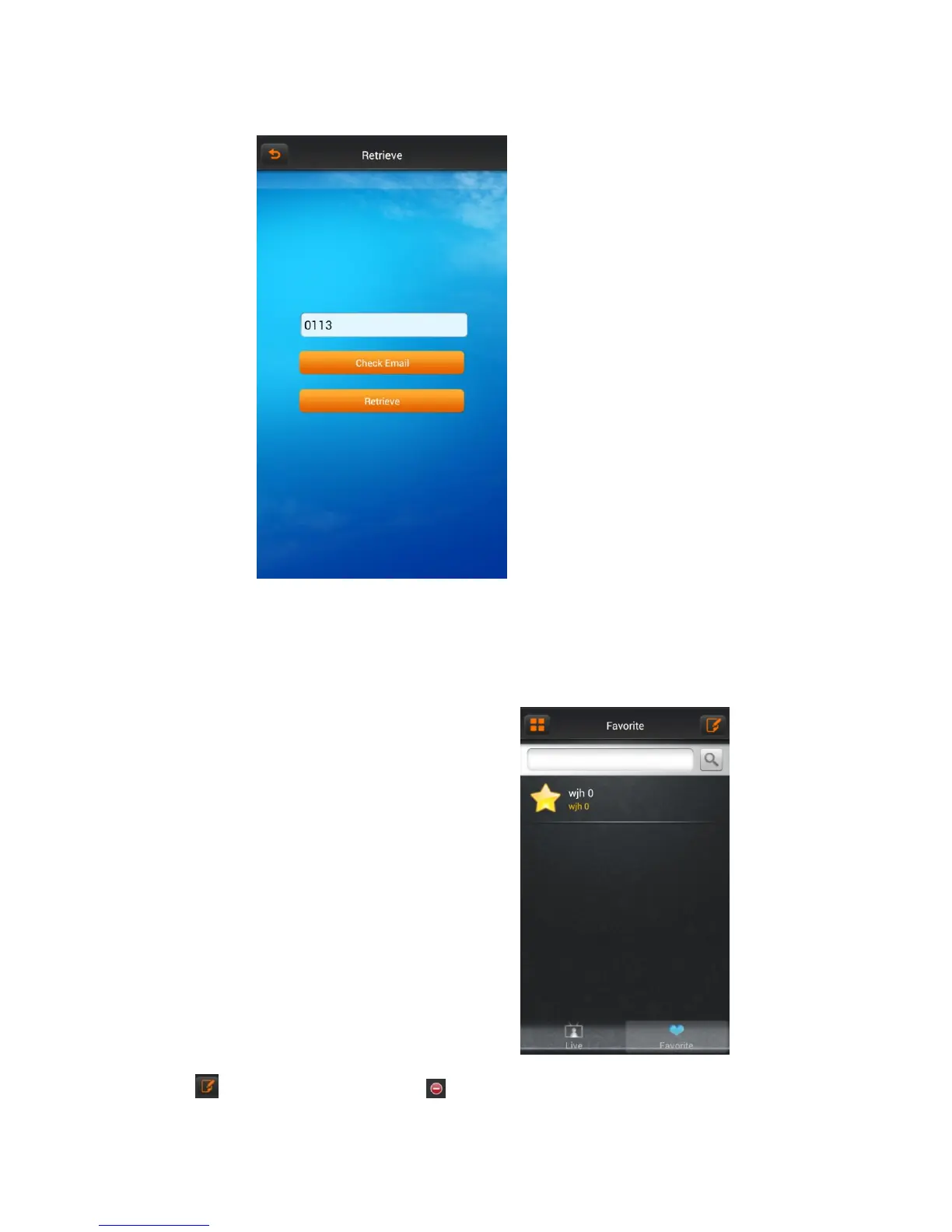
On the register clicking the button “login” and jump to “retrieve password” interface.
Input the username, click button “retrieve password”.
If you have entered your name and email address when registering and the username has been occupied, then “retrieve password” information will be sent to the
email address.
6.1.4 Real-time preview
In the main menu, clicking “real-time preview
Click “Favorites” button, go to “collection management” interface
Click on the icon , favorites list change into editing state, click icon , you can delete your favorites.
Select one of the devices on “Live list” enters the video preview interface.



 To Next Page