EasyManua.ls Logo

Conceptronic C8CHCCTVKIT - Page 47

Conceptronic C8CHCCTVKIT
55 pages
Print Icon
To Next Page IconTo Next Page
To Previous Page IconTo Previous Page
Loading...
46
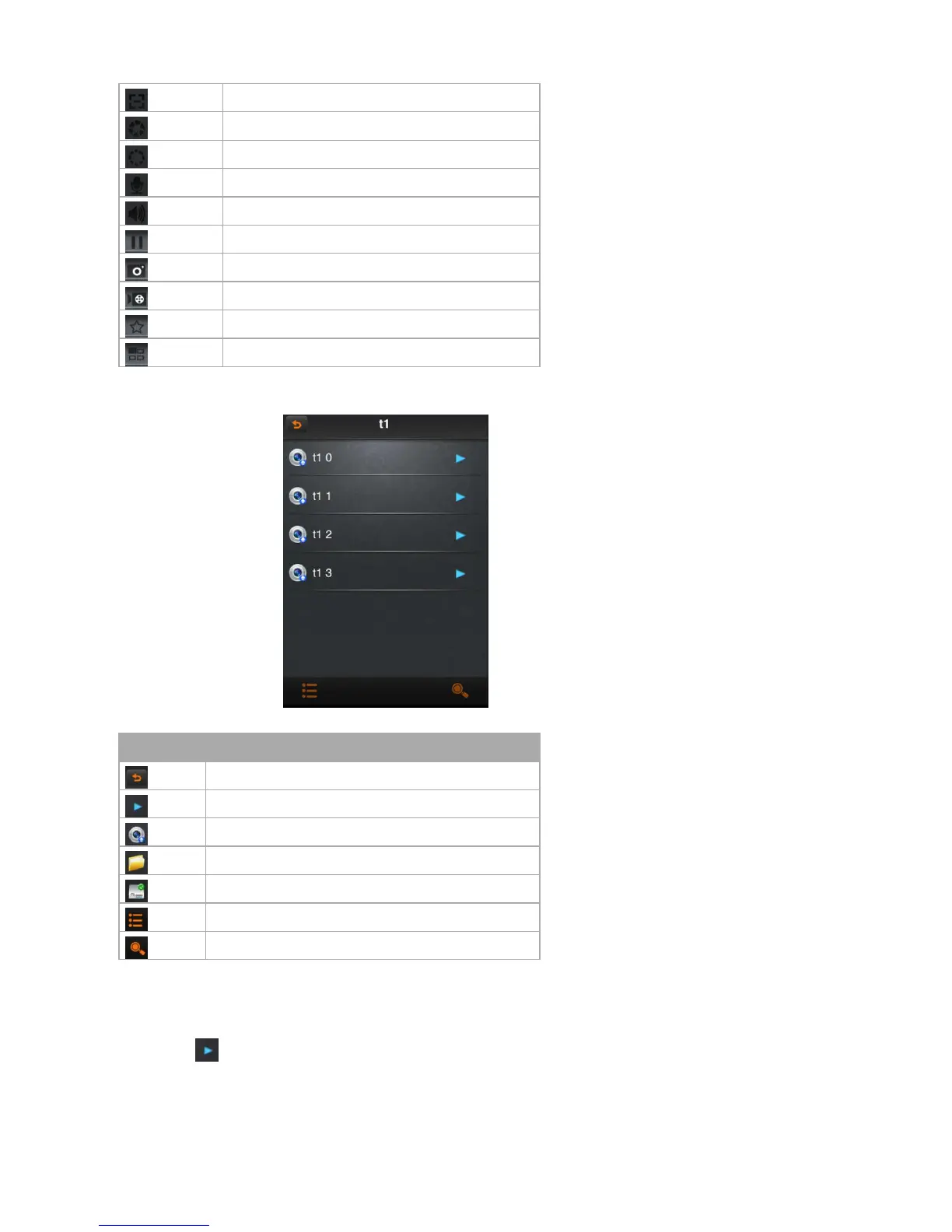
zoom in
aperture enlarge
aperture narrow
start/ close intercom
start/ close speakers
stop/ start
snapshot
start / close the local video
favorites
channel switcher
6.2.5 Device management
Click the button” device management” on the main menu and enter “device management” interface.
Icon instruction
Icon
Function instruction
return to the main menu
click on the pop-up menu, such as modifying parameters, name options
shot
catalogue
device
after pop-up, add the catalogue,, device and shot menu
search the local shot
6.2.5.1 Modify the connection parameter
Click on the icon , select “modify connect parameter”, then into “modify device” dialog box

Related product manuals