32 UMC 600IS Installation Manual
5.0 Normal Weighing Mode Operations
This section provides the operator with a description
of front panel key functions and associated
annunciators (LEDs) used to operate the UMC 600IS
in the normal weighing mode.
After the unit has been configured and calibrated, the
unit is then placed in the weighing or normal
weighing mode (SW 1-1 through SW 1-4 open). In
this mode, the weight indicator displays live weight
data that is presently on the scale.
5.1 Display Test
The display check and EPROM verification are used
to test the indicator LEDs.
5.1.1 Display Check
Observe the display when power is first applied to the
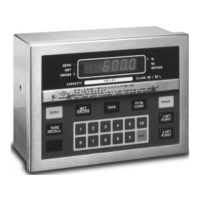
indicator. All six indicator LEDs (Zero, Net, Gross, lb,
kg, and Motion) should be turned on and each seven
segment display, with its associated decimal point,
will advance across the display field, allowing the
operator to check for any missing segments or decimal
points.
5.1.2 EPROM Verification
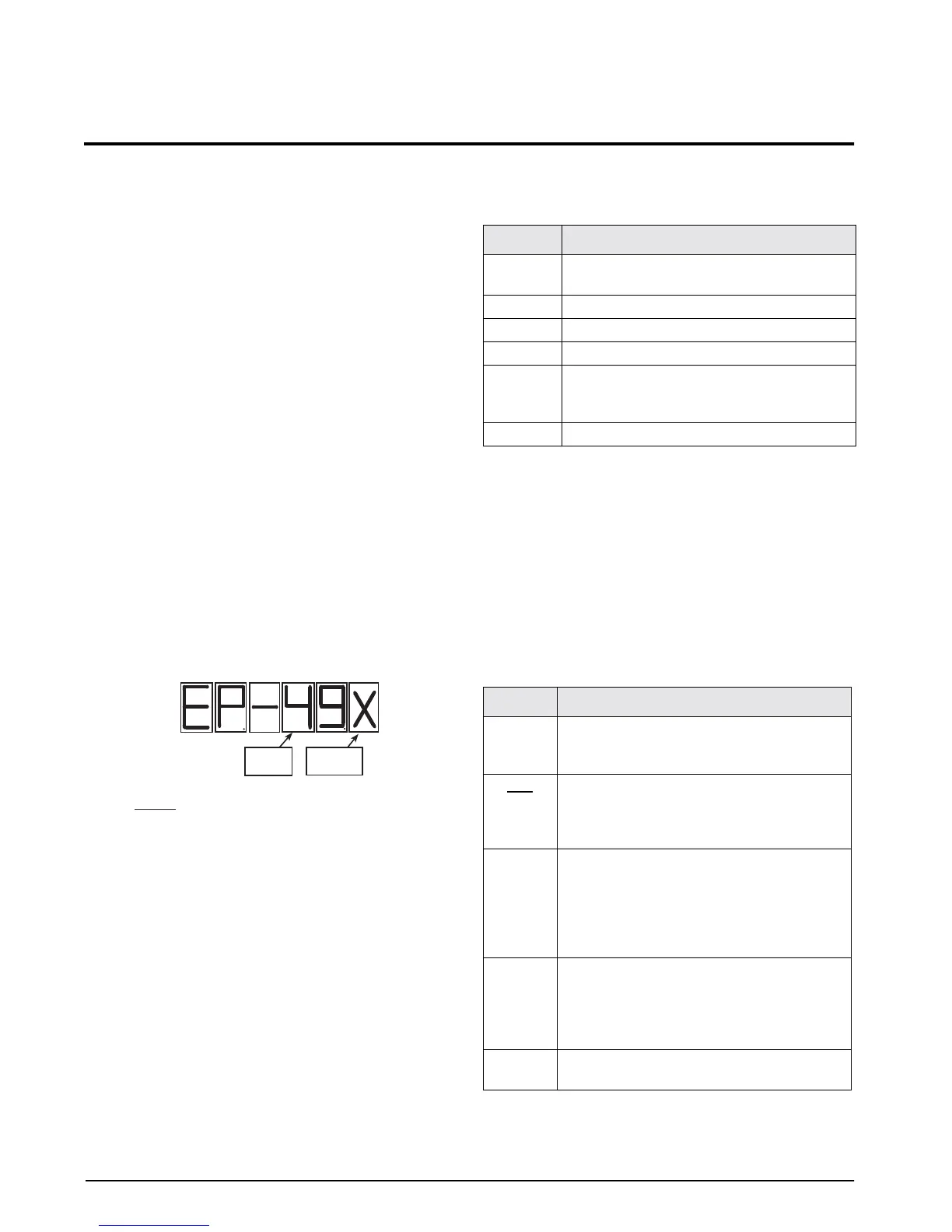
Upon completion of the display check an EP. 49.x
momentarily appears on the display. This value
indicates to the operator the current EPROM that has
been installed in the UMC 600IS.
Figure 5-1. Eprom Verification
The UMC 600IS operates with an EPROM family
group KDA 49.x (x is the version).
5.2 LED Annunciators
Table 5-1 shows the display panel annunciator and the
definitions of the annunciator.
NOTE: When motion is detected the following functions
are inhibited:
•Demand print
• Zero acquisition (both push to zero and auto
zero)
•Auto tare acquisition
5.3 Function Keys
Table 5-2 describes the various functions of the UMC
600IS keys.
Version
Set 49
Where:
EP. = EPROM Program
49. = Set 49 within the KDA 1921 family
X=The version level of Set 49
Annunciator Annunciator Definition
ZERO On when gross weight data is within ±1/4
graduation of the center of zero
NET On when indicator is in net weighing mode
GROSS On when indicator is in gross weighing mode
lb/kg Shows units of displayed weight data
MOTION On when display data is changing by the
number of graduations selected in Parameter 9
in configuration mode
LO BAT Input voltage low if on. Unit may not operate.
Table 5-1. Annunciator Definitions
Key Functional Description
ZERO Rezeroes scale if the gross weight is within the
band of zero selected in the configuration
mode (1.9% or full scale)
NET
GROSS
Selects the desired weight data to be viewed
(GROSS or NET). The gross and net LED
annunciators indicate which display mode is
active.
TARE When used in the gross mode, the indicator
will acquire the tare value and automatically
shift to the net display mode. If a tare
acquisiton is negative or the weight data is in
motion, the indicator remains in the present
mode and no tare is performed.
lb/kg
CONV
If the indicator is set up to perform lb/kg
conversion, this key toggles weight data
between its calibrated base weight unit in lb to
kg units. The lb and kg annunciator LEDs
indicate which units are displayed.
PRINT Issues a demand print command to the serial
output.
Table 5-2. Function Key Description


 To Next Page