16 UMC 600IS Installation Manual
3.2 Serial Port Configuration
Serial Port 1 is an ASCII-compatible, 20 mA current loop output that is compatable with most printers,
scoreboards, and other remote devices. (Port 2 is not available). Port 1 output can be disabled, set for demand
mode, or set to continuous output data and is optically isolated through the intrinsically safe I/O barrier.
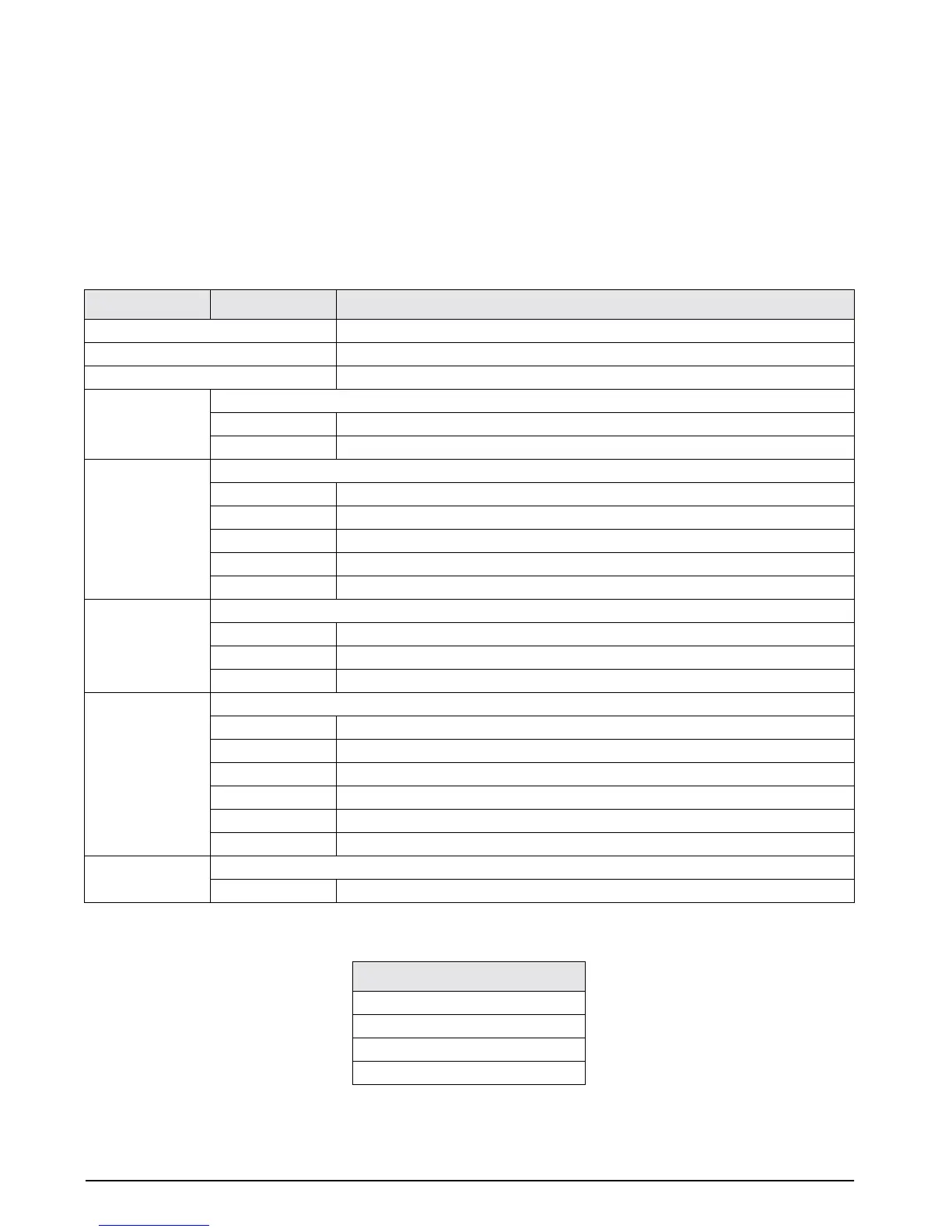
Table 3-7 shows the configuration selections for Parameter 14, which controls the configuration of Port 1. There
is no external access to Port 2 and it should therefore be disabled (Parameter 14.5 set to OFF).
NOTE
: RS232 communication is not available from the UMC 600IS. If RS232 is required, it is recommended that the
Analog Option P/N 19578 be ordered and have U14, C6, C7, C8 and C9 installed.
All serial characters in the data format are in ASCII and consist of the following default settings:
Parameter Subparameter Interpretation
14. oFF Serial communications disabled
14. S1 Port 1: simplex
14. dU Port 1: duplex
14.1 Demand print configuration in net mode
14.1Gtn Three-line output G-N-T
14.1nEt Single line, net print
14.2 Delay after carriage return (CR) enabled
14.2 oFF No delay after CR
14.2 1 1 second delay after CR
14.2 2 2 second delay after CR
14.2 3 3 second delay after CR
14.2 4 4 second delay after CR
14.3 Port 1 configuration
14.3 oFF Port 1 disabled
14.3 dE Demand output
14.3 Co Continuous output
14.4 Port 1 baud rate
14.4 3 300 bps
14.4 6 600 bps
14.4 12 1200 bps
14.4 24 2400 bps
14.4 48 4800 bps
14.4 96 9600 bps
14.5 Port 2 configuration
14.5 oFF Port 2 disabled
Table 3-7. Parameter 14 Configuration Prompts
Data Formats
1 Start bit
7 Data bits
1 Parity bit (odd parity)
1 Stop bit
Table 3-8. Data Formats


 To Next Page