12
3. Rotate the shaver blade or bur until the cutting window is in the desired
position.
4. Secure the shaver blade or bur by turning the locking collet clockwise.
5. Pull on the shaver blade or bur to ensure it is locked in place.
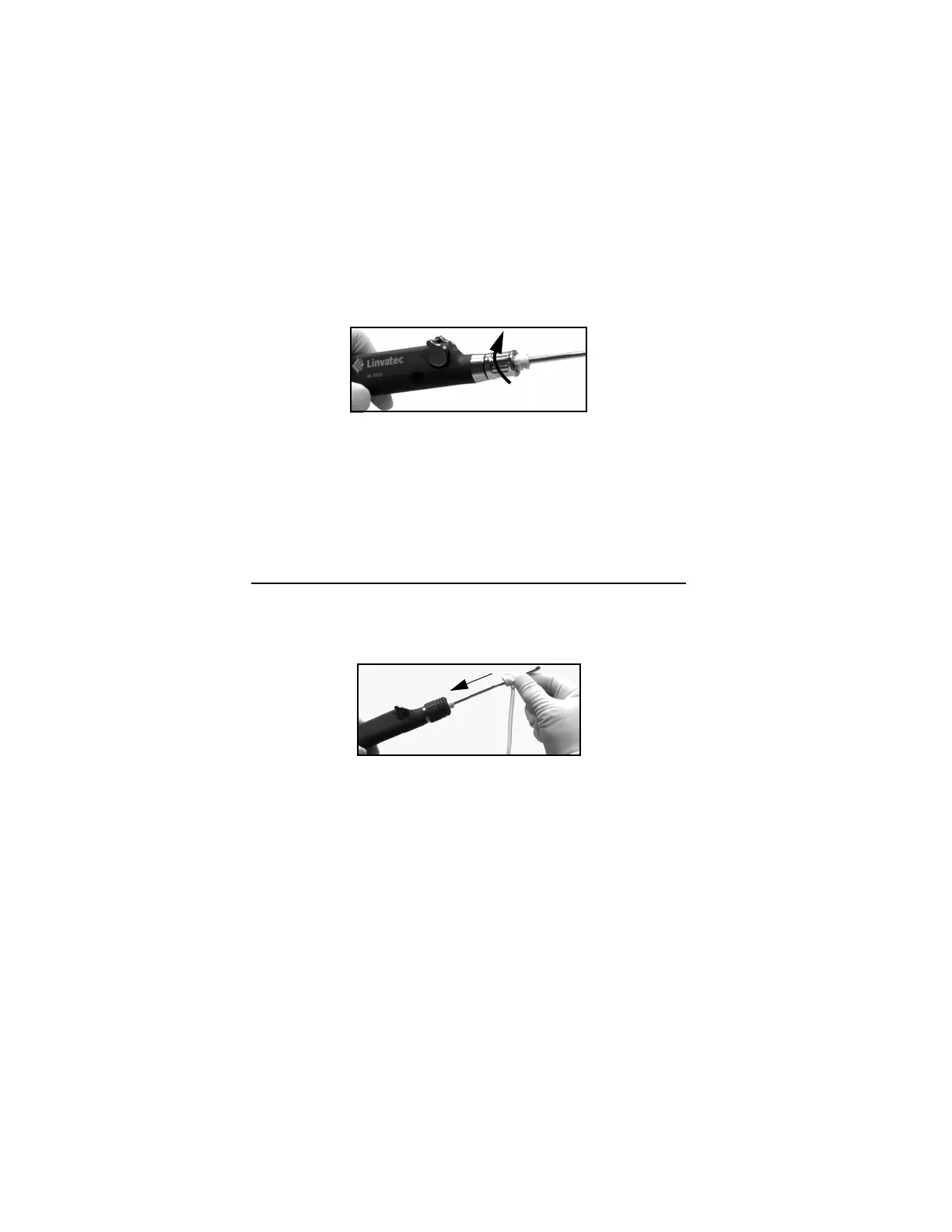
6. To remove the shaver blade or bur, open the locking collet by turning it
counterclockwise as viewed from the collet end of the handpiece. Pull the
shaver blade or bur out.
Warning:If operating the E9005 Shaver in the oscillate mode between
2500 and 5000 rpm, and with a shaver blade in the bent position, you
must use either the E9416 or E9417 Irrigation Tubing Set and irrigation
must be set to 100% in the surgical console.
2.2.2 Irrigation Tubing Set Installation
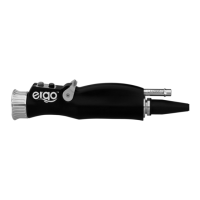
1. Slide the tubing set irrigation collar over the distal end of the shaver blade
toward the shaver blade hub.
NOTE: The irrigator collar must be installed prior to bending the
blade. See blade insert sheet for blade bending information
2. Slide the inner recesses of the collar completely over the two hub-ears on the
shaver blade hub.
3. Turn the irrigation collar clockwise (approximately 90°) and securely lock it
into place.


 To Next Page