53
software updates
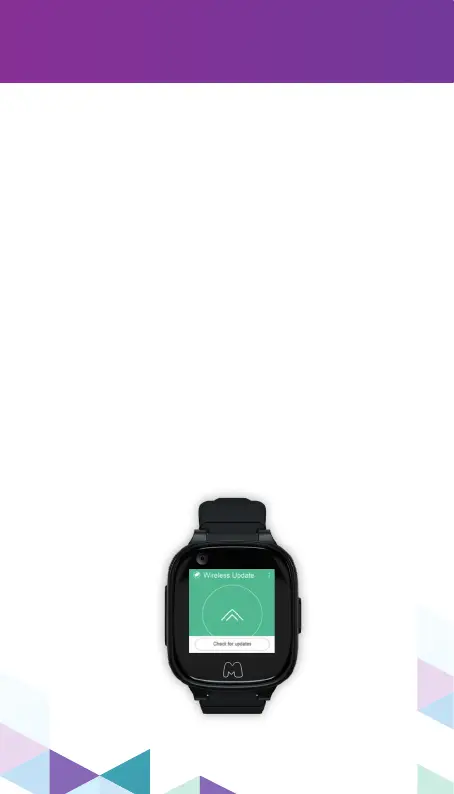
Your Moochies Phone Watch can download
and update to the latest version of the
Moochies OS when connected to a
Wi-Fi network.
Click “Check for Updates” from the Settings
menu item. If a new version is found, click
“Install” – this will download and
automatically install the new Moochies OS.
Depending on your download speed, this will
take approximately 5-10 minutes to download
and install.
Before continuing, please ensure that your
Moochies watch is connected to an un-metered
Wi-Fi network, and isn’t using your
mobile data allowance. The Moochies OS
update is approximately 350Mb, and can
quickly use up your data allowance if not
connected to Wi-Fi.



 To Next Page