7. BIOS Setup
62
SPC-8520-LA , SPC-8521-LA
Description Choice
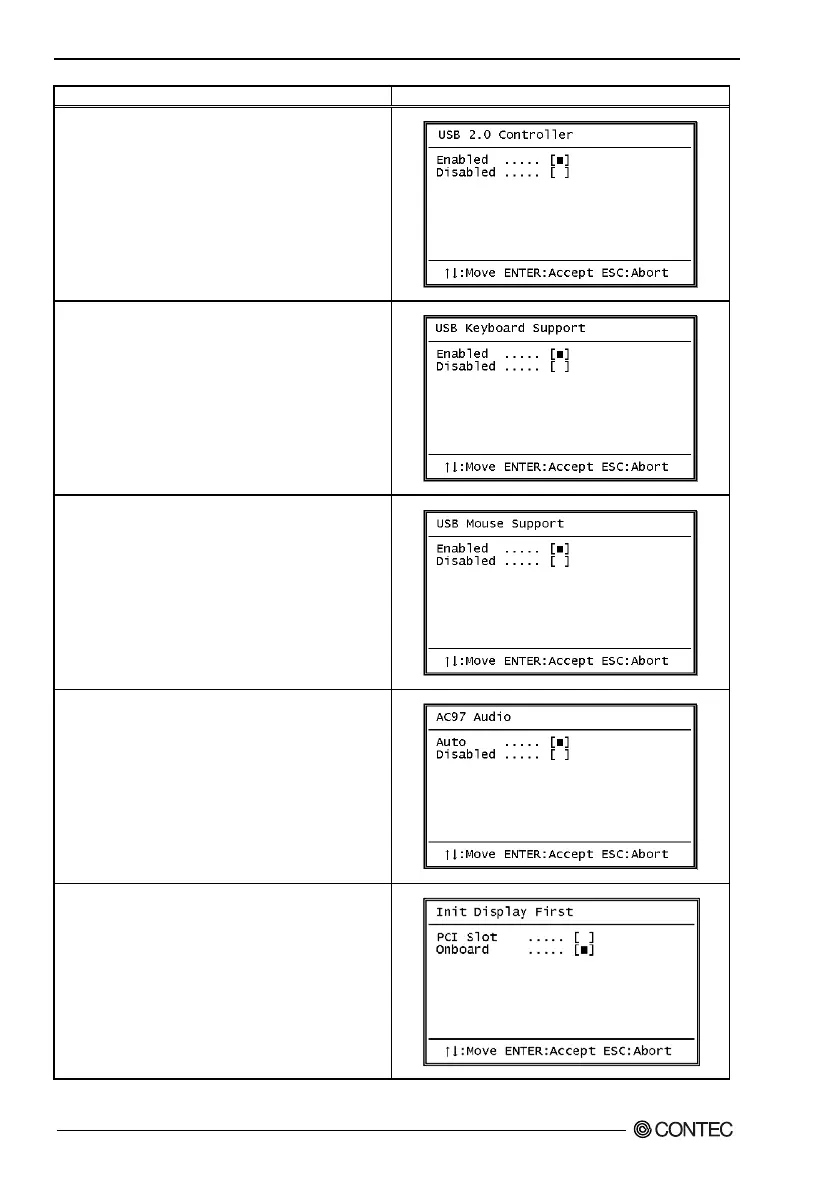
USB 2.0 controller
Select Enabled if your system contains a Universal Serial
Bus (USB 2.0) controller and you have USB peripherals.
USB Keyboard Support
Select Enabled if you have a USB keyboard.
USB Mouse support
Select Enabled if you have a USB mouse.
AC’97 Audio
Select Auto to use the audio capabilities of your system.
Init Display First
Initialize the on-board video display before initializing any
other display device on the system.
Thus the AGP on-board display becomes the primary
display.



 To Next Page