Maintenance 6-1
6. Maintenance
The main maintenance tasks involve :
• Cleaning the original’s scanning area
• Adjusting the height of the CCD-cameras at regular intervals
6.1 Cleaning the Original’s Scanning Area
Make sure you turn the power switch OFF and disconnect the power
plug when cleaning the original’s scanning area .
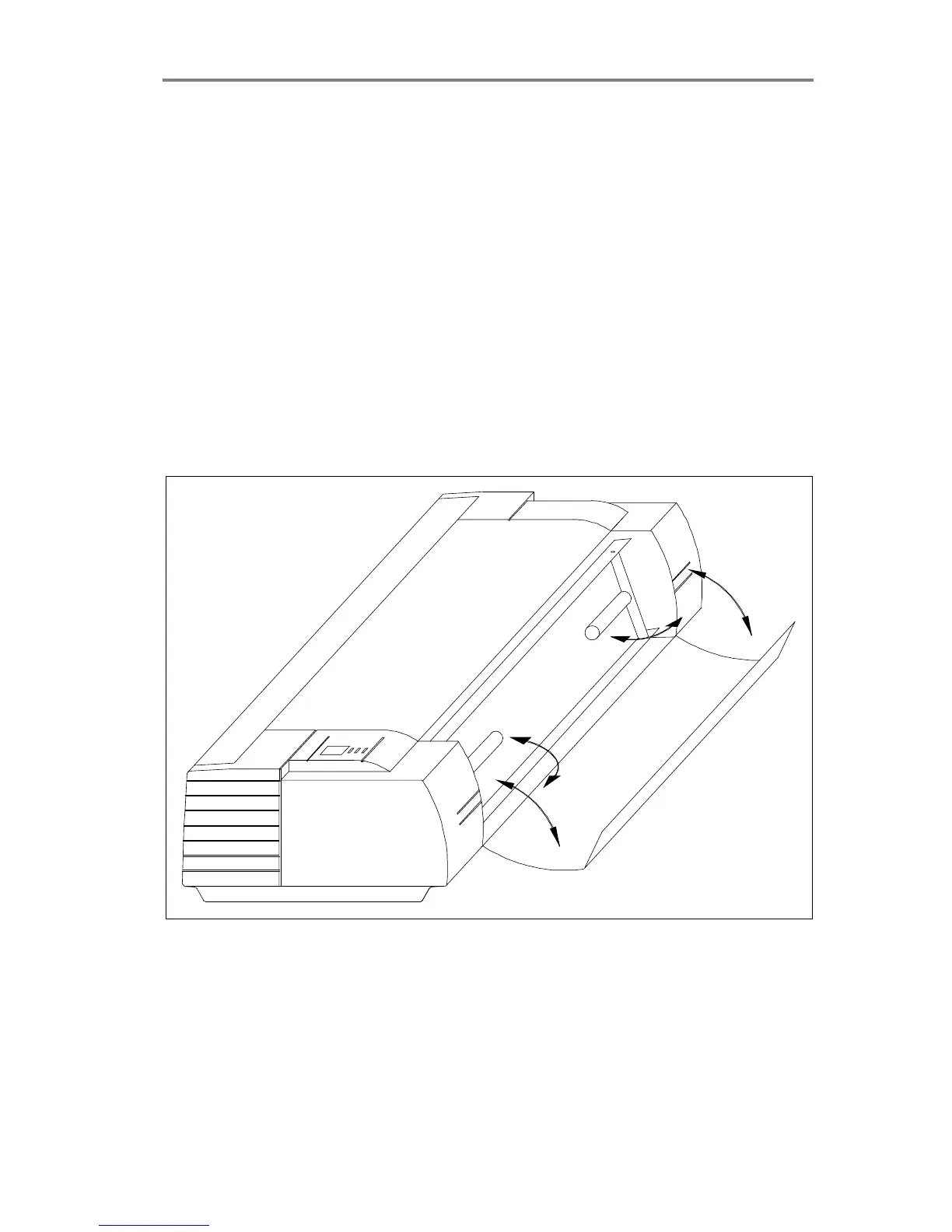
1. Open the scanner’s front cover by gently pulling at its top.
2. Remove the original’s guide plate and gently wipe the glass plate
and the white area on the original’s guide plate until they are clean.
Figure 6-1 Opening the front cover



 To Next Page