6-2 Maintenance
6.2 Adjusting the height of the CCD Cameras
The steps for camera height adjustment vary from model to model.
Find your model in the sections below:
The FSS8300 :
1. Insert the Height Alignment Chart delivered with the scanner into
the original’s insertion slot and press the Paper Feed/Forward key.
In WIDEimage select a scan-width size of 8.5, and start
prescanning by clicking WIDEimage’s Forward button in the scan
dialog. Click Halt to stop the prescanning operation when it comes
over the horizontal lines in the chart. Set the application’s "detail
window" so you view the area in the middle of the "overview
window". The "detail window" should show an image similar to one
of the three figures overleaf.
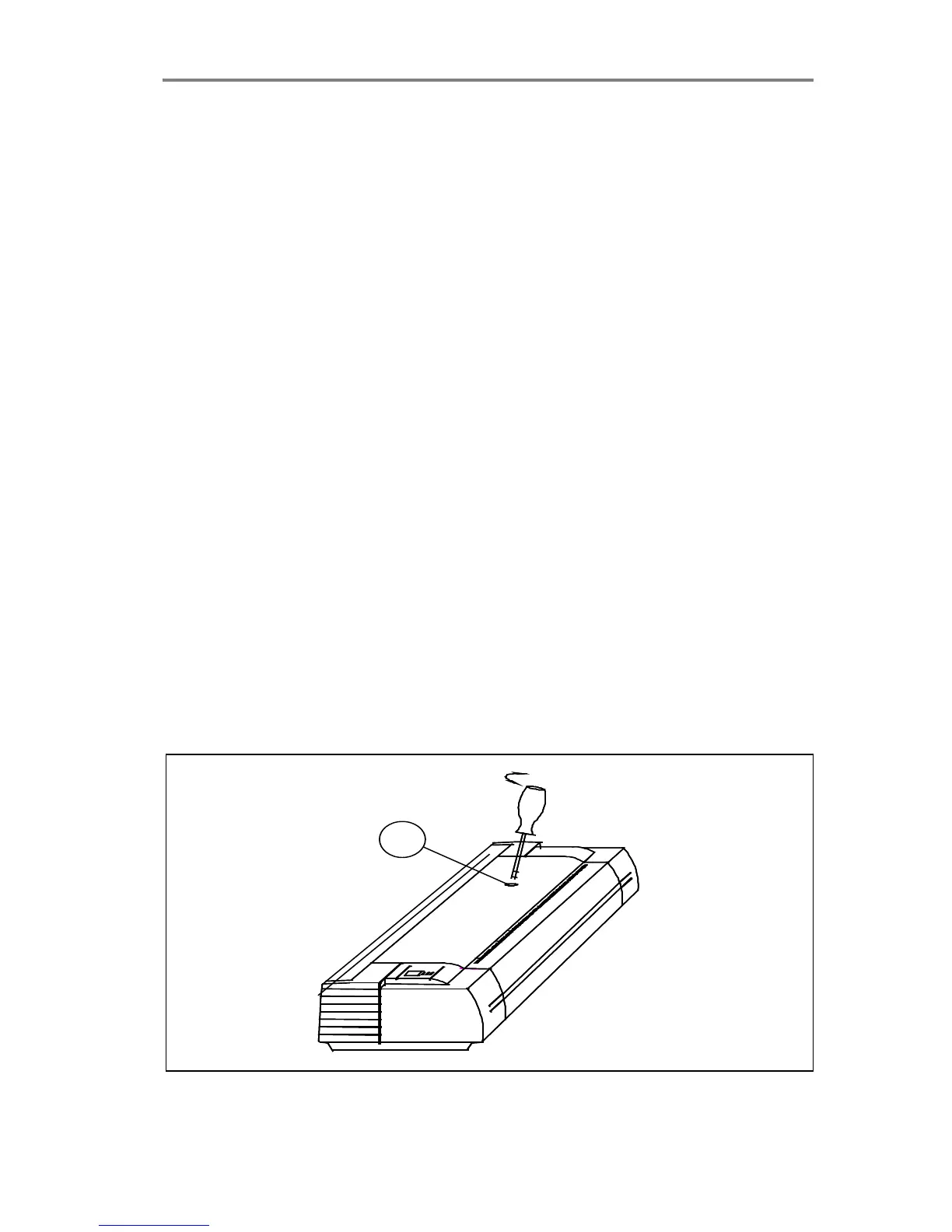
2. Use a slim screw-driver to turn the height adjustment screw
through the hole (1) on the top of the FSS (see figure overleaf).
Screw clockwise or counter-clockwise so that the lines from the
left and right CCD-Cameras make a continuous line on the ”down-
scans” on the screen:
Clockwise: Line at right side of screen moves down.
Counter Clockwise: Line at right side of screen moves up.
Note: To omit angle errors, only judge camera height adjustments on
the repeated ”down-scans” on the screen.
1
Figure 6-2 Camera Height Adjustment



 To Next Page