24 SM-Resolver User Guide
www.controltechniques.com Issue Number: 4
6.3 Parameter descriptions
The menu for the relevant slot appears for the new Solutions Module category with the
default parameter values for the new category. When no Solutions Module is fitted in the
relevant slot this parameter is zero. When a Solutions Module is fitted this parameter
displays the identification code as shown below.
The new parameters values are not stored in EEPROM until the user performs a
parameter save. When parameters are saved by the user in the drive EEPROM the
option code of the currently fitted Solutions Module is saved in EEPROM. If the drive is
subsequently powered-up with a different Solutions Module fitted, or no Solutions
Module fitted where one was previously fitted, the drive gives a Slot.dF or SLot.nf trip.
Provided the set-up parameters for the position feedback are correct this parameter
shows the speed in rpm.
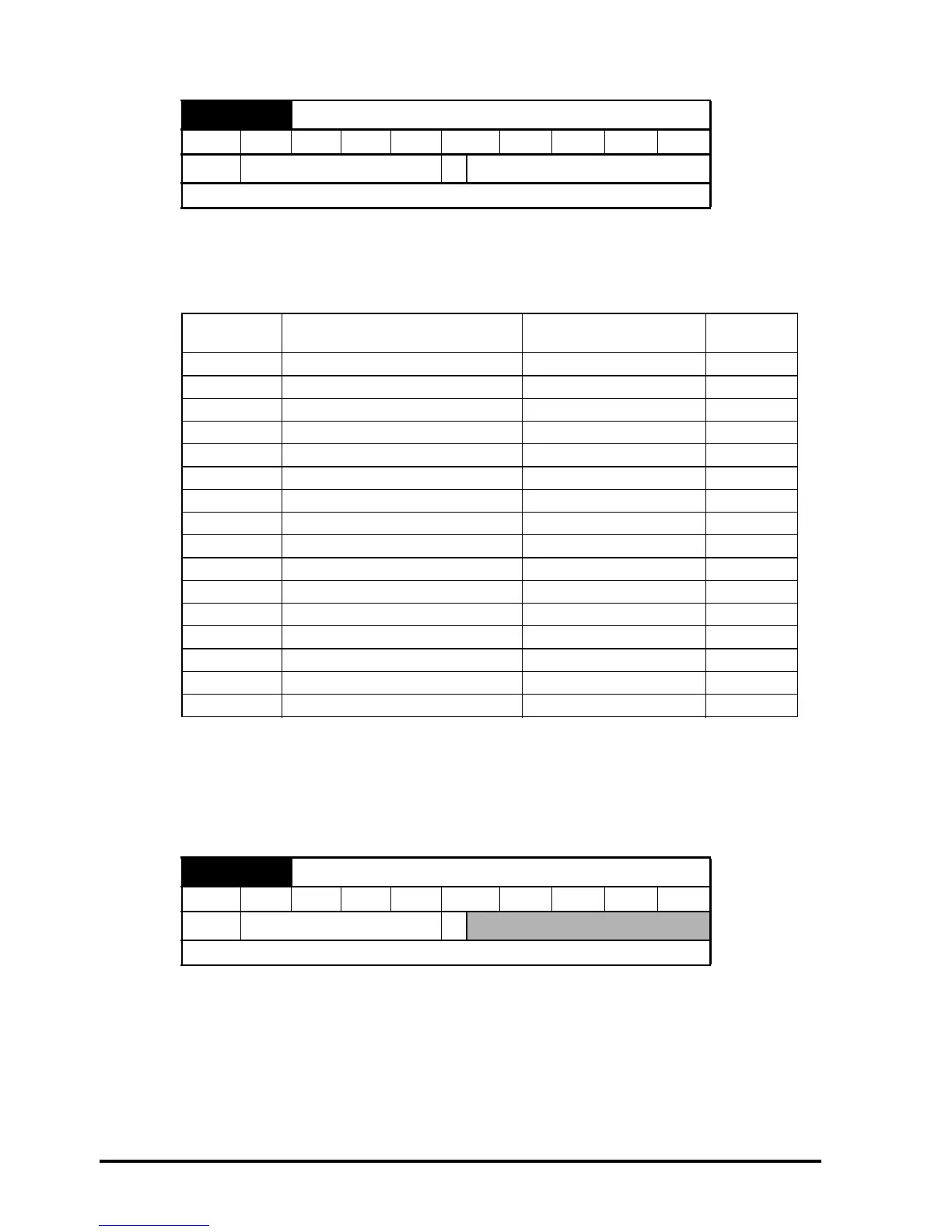
x.01 Solutions Module ID code
RO Uni PT US
Ú
0 to 599
Ö
101
Update rate: Write on power-up
Code Solutions Module Category
Dumb
module
0 No Solutions Module fitted
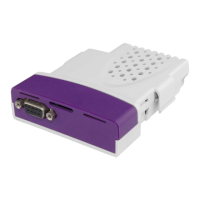
101 SM-Resolver Feedback 9
102 SM-Universal Encoder Plus Feedback
104 SM-Encoder Plus Feedback 9
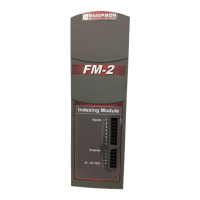
201 SM-I/O Plus Automation 9
301 SM-Applications Automation
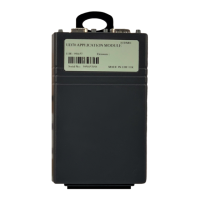
302 SM-Application Lite Automation
401 reserved Fieldbus
402 reserved Fieldbus
403 SM-Profibus DP Fieldbus
404 SM-Interbus Fieldbus
405 reserved Fieldbus
406 SM-CAN Fieldbus
407 SM-DeviceNet Fieldbus
408 SM-CANopen Fieldbus
501 SM-SLM SLM
x.03 Speed feedback
RO Bi FI NC PT
Ú
±40,000.0 rpm
Ö
Update rate: 4ms x number of dumb modules


 To Next Page