32 SM-Resolver User Guide
www.controltechniques.com Issue Number: 4
Any trip can be initiated by writing the relevant trip number to Pr 10.38. If any trips
shown as user trips are initiated the trip string is "txxx", where xxx is the trip number.
Trips can be reset after 1.0s if the cause of the trip has been rectified.
A full list of drive trips can be found in the Unidrive SP User Guide.
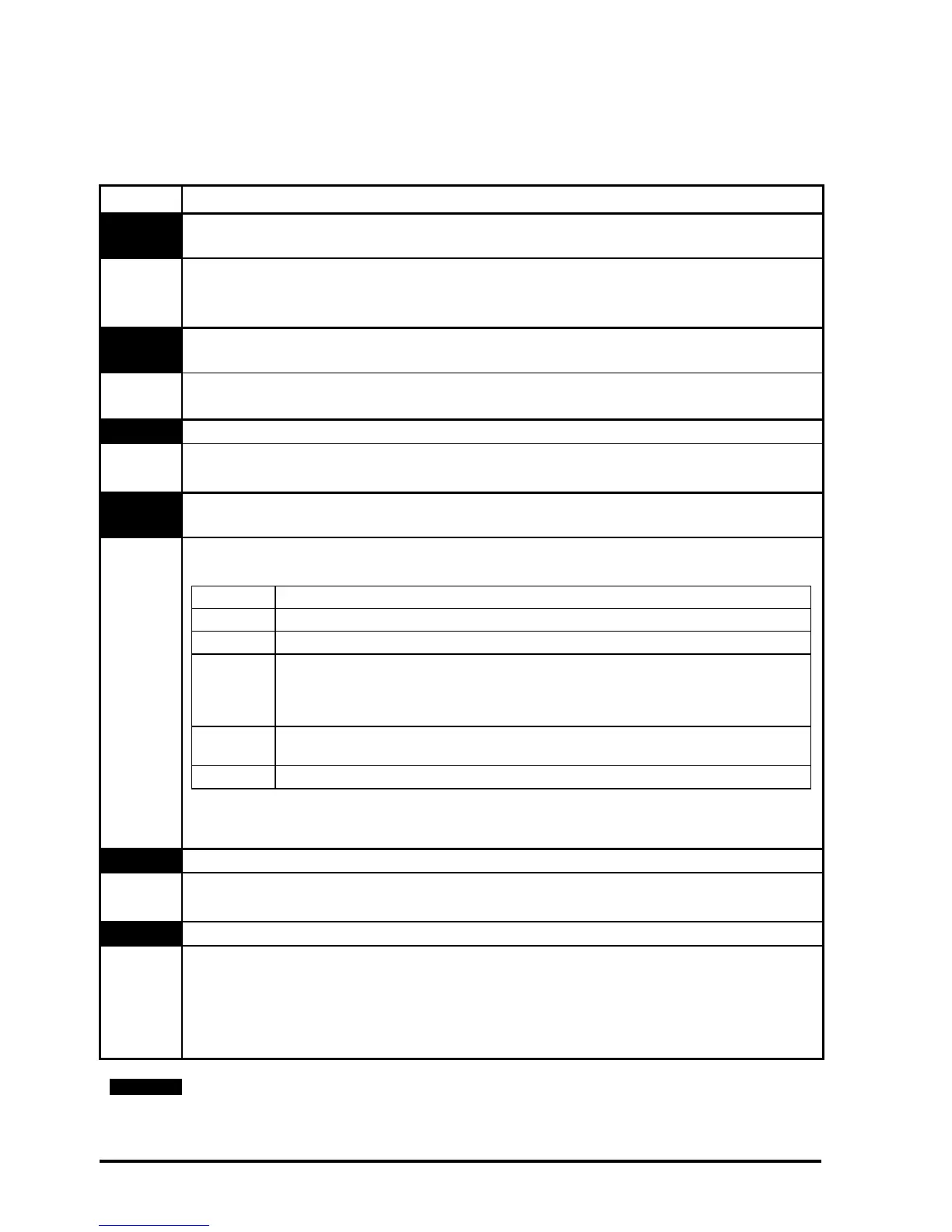
Table 7.1 Trip codes
Trip Diagnosis
C.Optn
SMARTCARD trip: Solutions Modules fitted are different between source drive
and destination drive
180
1. Ensure correct Solutions Modules are fitted
2. Ensure Solutions Modules are in the same Solutions Module slot
3. Reset the drive
SL.rtd
Solutions Module trip: Solutions Module has failed to recognise that the drive
operating mode has changed
215
1. Ensure Solutions Module is fitted correctly
2. Contact the supplier of the Solutions Module
SLX.dF Solutions Module slot X trip: Solutions Module type fitted in slot X changed
204,209,
214
Save parameters and reset the drive
SLX.Er
Solutions Module slot X trip: Error detected with Solutions Module, where X is
the slot number
202, 207,
212
If the drive trips SLX.Er, Pr x.50 will display the error code. An explanation of all error
codes is given below:
*This trip can be enabled/disabled by Pr x.17.
When the drive is reset Pr x.50 is cleared.
SLX.HF Solutions Module slot X trip: Solutions Module X hardware fault
200,205,
210
1. Ensure Solutions Module is fitted correctly
2. Contact the supplier of the Solutions Module
SLX.nF Solutions Module slot X trip: Solutions Module has been removed
203,208,
213
1. If the Solutions Module has been purposely removed from the drive, save
parameters and reset the drive.
2. Ensure Solutions Module is fitted correctly
3. Replace Solutions Module
4. Save parameters and reset drive
The SM-Resolver will only provide speed and position feedback when it is selected as
the source of the drive speed/position feedback. Hence the SM-Resolver does not
function when the drive is operating in open-loop mode.
Pr x.50 Fault description
0 No errors
1 Supply short circuit
2*
The wire break detection looks at the SIN and COS signals and expects one signal
to be above the high threshold when the other is below the low threshold, or for
both signals to be in-between the threshold values. If the above conditions are not
satisfied, an error code 2 is produced.
11
The number of poles of the resolver is greater than 2, but is different to the number
of poles of the motor.
74 Solutions Module overtemperature.
NOTE


 To Next Page