May 2009 | Revision 6.0
2-8
CHAPTER 2.0 | KIT INSTALLATION
I 2 Canopy cooling fan
J 8 Screw (M3 x 40)
K 1 AC DC CONVERTER + WIRE HARNESS
L 2 Screw (M3x16)
M 2 Wire connectors
N 4 Shelf support
Kit assembly instructions
Open the cabinet door, and visually inspect the cabinet. Remove
the insulated fan covers (2) located in the right side wall and the
air inlet cover located on the left side wall. Ensure the three (3)
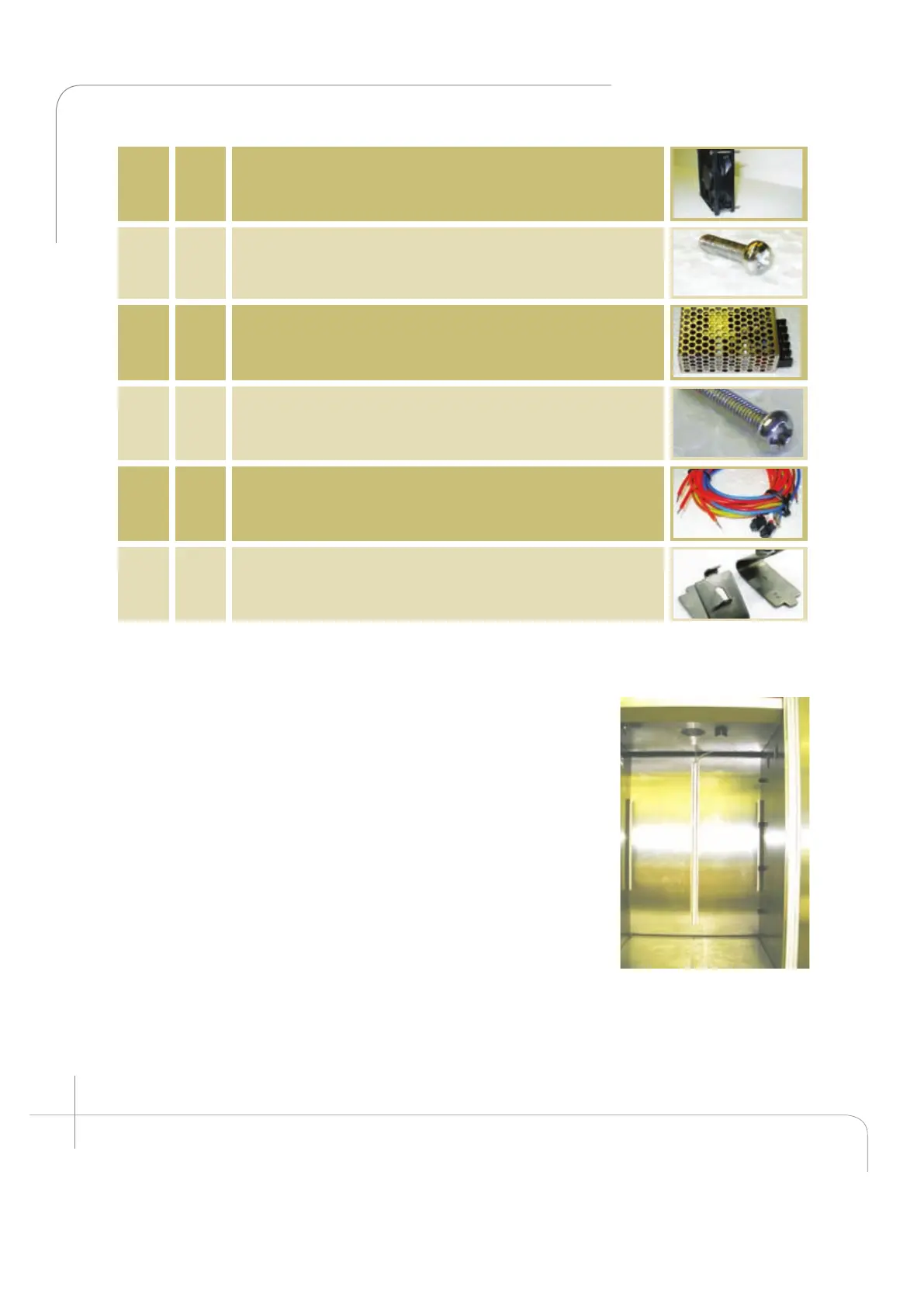
cavities are empty. (See figure 2.18a and 2.18b).
1. Install the canopy fans. (Items I and M)
Place four (4) screws (item J) through the fan mounting holes
(see figure 2.19) and install the canopy cooling fans, one in
each fan compartment
Figure 2.18: A1000
empty cabinet.



 To Next Page