May 2009 | Revision 6.0
2-14
CHAPTER 2.0 | KIT INSTALLATION
C 56 Screw M4 x 6 Pan
D 20 Self support (clip)
E 4 Wire shelf (with lamp fixture support)
F 1 Wire shelf (without lamp fixture support)
G 8 Lamp fixture support
H 4 Lamp fixture without connector
Kit assembly instructions
Open the cabinet door, and visually inspect the cabinet. Ensure the
two fan cavities on the right side wall are covered as well as the air
inlet on the left hand side (see figure 2.32).
1. Install the back plenum bottom panel: (Item A)
This panel is very important because it directs the airflow through
the plenum at equal pressure. A loose installation and the airflow
distribution will not be even. Five (5) screws (item C) are required
to install the back plenum bottom panel. Ensure that the two
drain holes are never plugged. (See Figure 2.33)
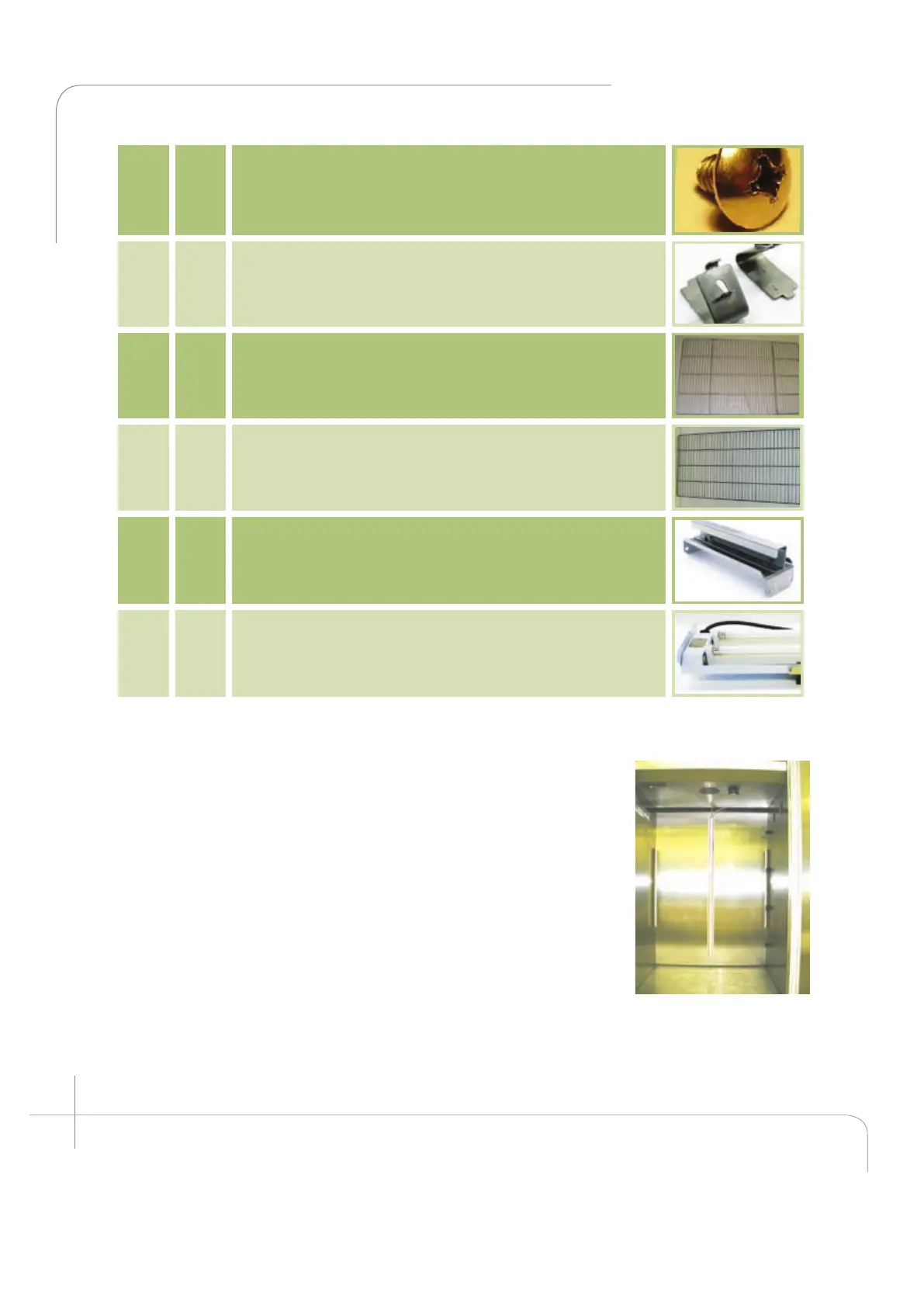
Figure 2.32: A1000
empty cabinet.



 To Next Page