2-15
2. Install the back wall plenum: (Item B)
The back wall plenum must be installed
with the short flanges toward the unit’s back
wall. Loosen the six (6) screws at the back
of the fan housing. Install the plenum with
the largest flange at the top facing the door,
between the fan housing and the coil drip
pan. Ensure the grooves in the flange insert
around the screws. (For ease of installation
use the handle provided at the top).
Secure the back wall plenum to the side
supports utilizing the eight (8) screws (item
C) provided with the kit. Then refasten the
six (6) screws at the back of the fan housing
(see figure 2.34).
3. Install the wire shelves: (Item E and F)
The shelves must be installed from the
bottom to the top. The bottom shelf (item
F) has to be placed in the lowest possible
position in contact with the back plenum.
To install the clips (item D) first insert the
top part of it into the desired slot and then
press lightly on the bottom to snap it into
position. Place the four (4) bottom shelf
supports (item D) into the slots in the side
wall. (See figure 2.35.)
Carefully grab a wire shelf and place it over
the four lower clips. Install the rest of the
supports in each side wall at the desired
height. (See figure 2.35.
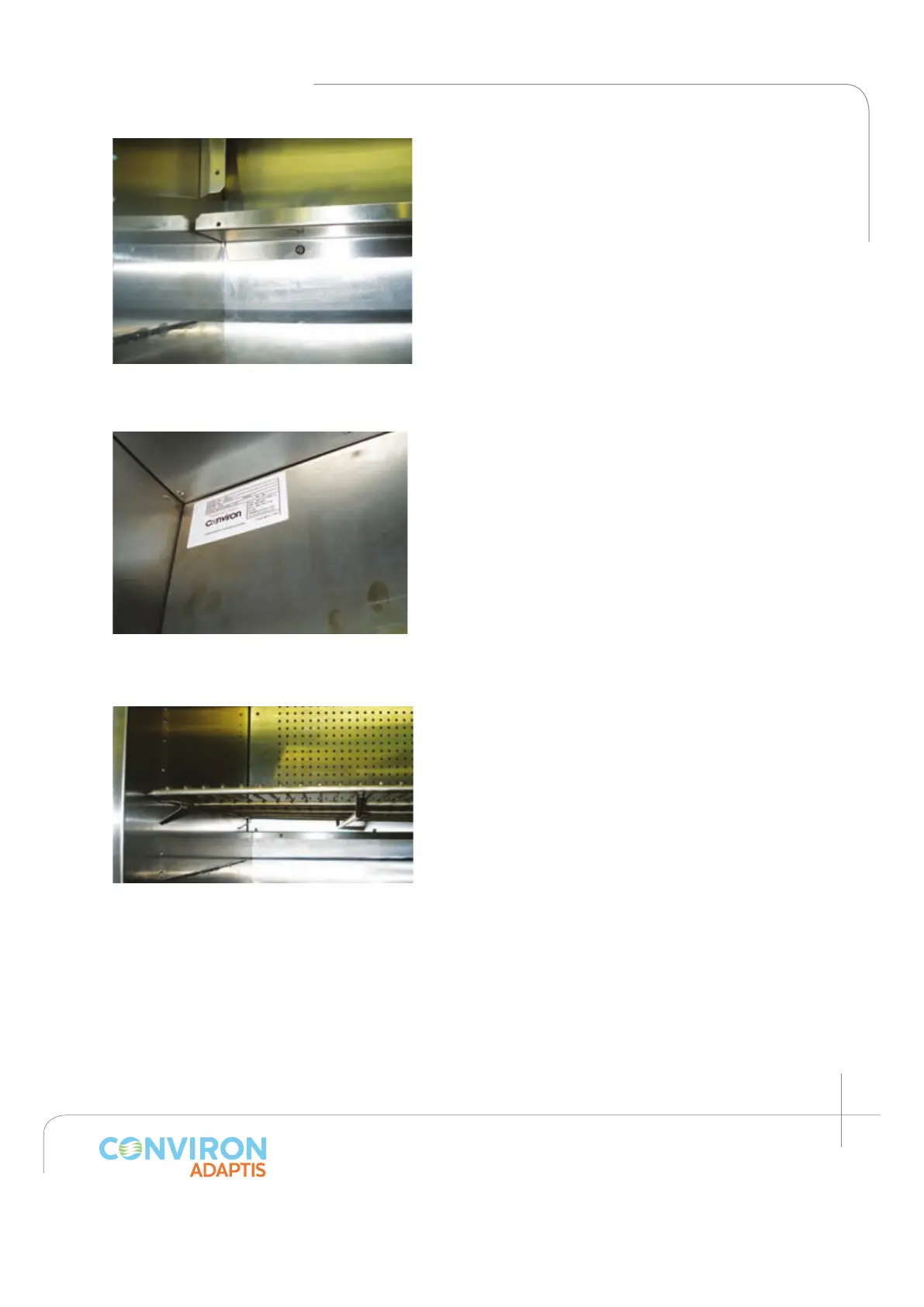
Figure 2.33: A1000 view after Installing
the back plenum bottom panel.
Figure 2.34: Shows in detail the back
plenum installed above the fan housing.
Figure 2.35: Wire shelf supports showed.



 To Next Page