CX3G/FX3GC PLC Programming manual
www.coolmayplc.com
8. Coolmay CX3G PLC Communication User Manual
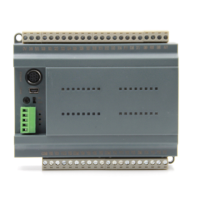
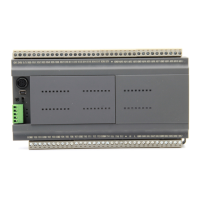
CX3G PLC defaulted has a RS232 programming port, and two communication ports
( Rs232 or Rs485) can be added. Meanwhile, CANbus is also optional.
8.1 Serial port 1: RS232( PLC programming port)
Support Mitsubishi programming port protocol;Can be used to download PLC
program or communicate with devices which support MITSUBISHI programming
port protocol.
8.2 Serial port 2: RS485(A B)/RS232
Support MITSUBISHI programming port protocol,Mitsubishi BD board
protocol,RS protocol and MODBUS RTU protocol.
The special relays and registers related to this serial port are as below.
Mitsubishi
programming port
protocol
26232 or higher version:
power lost can not be
retentive
RS sending completion
mark
RS receiving
completion mark


 To Next Page