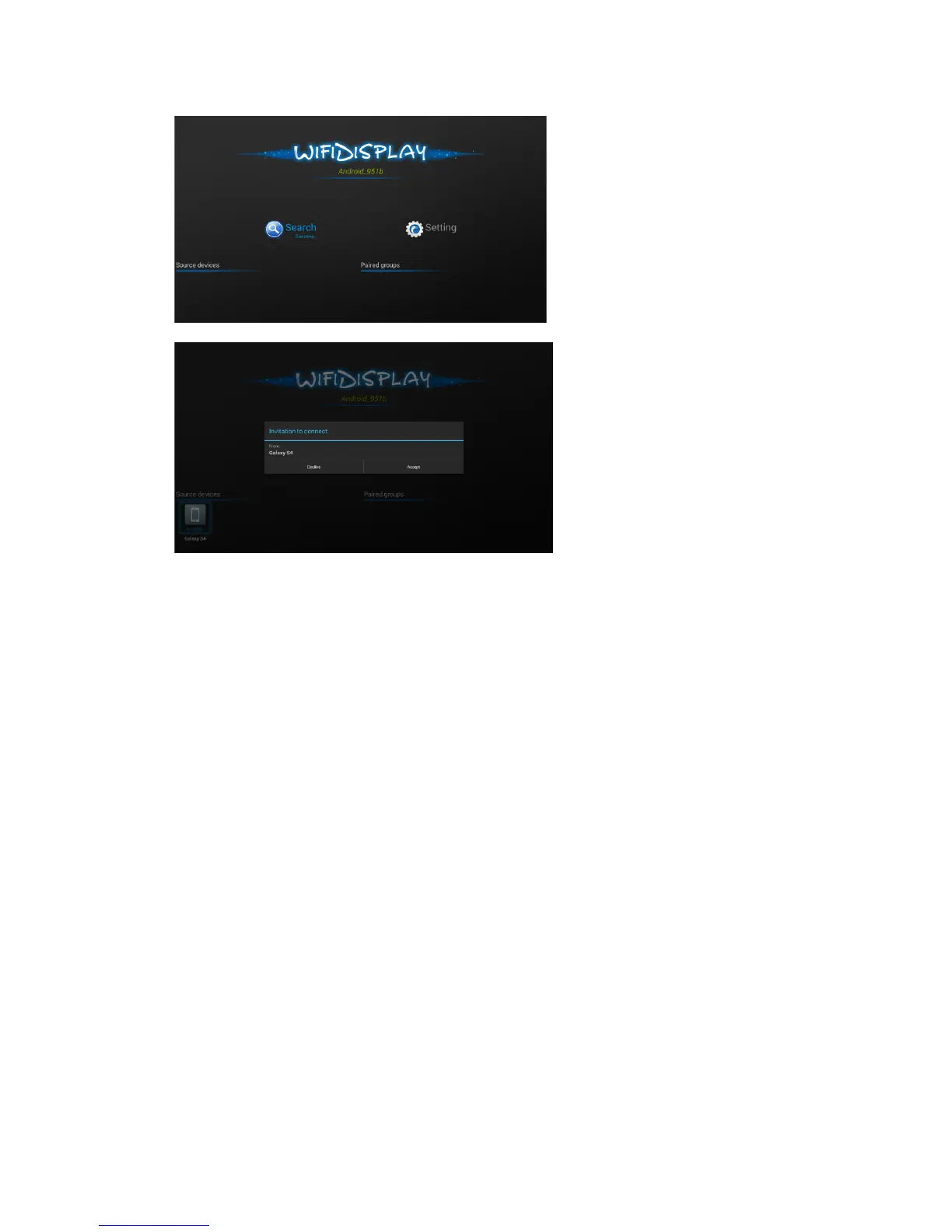
When this WIFIDISPLAY function is activated, it will search for mobile phone
automatically.
Note: When mobile phone find the projector, there will be a popup message on the
projector. Please choose yes/accept to connect the mobile phone with projector.
Android mobile phone settings for miracast(example1):
To click Setting, then Other Connection Option, and then Wireless Display.
To turn on the wireless display, as shown following


 To Next Page