Tips for better experience
Picture¬&clear&
If the projection distance change, the picture will blur, you should adjust the focal
distance to get clear picture, you can refer to below instructions.
To&mount&the&projector&on&a&Tripod& &
1) All standard camera tripod can be mounted on the projector.
To&charge&the&mobile&phone/other&devices&
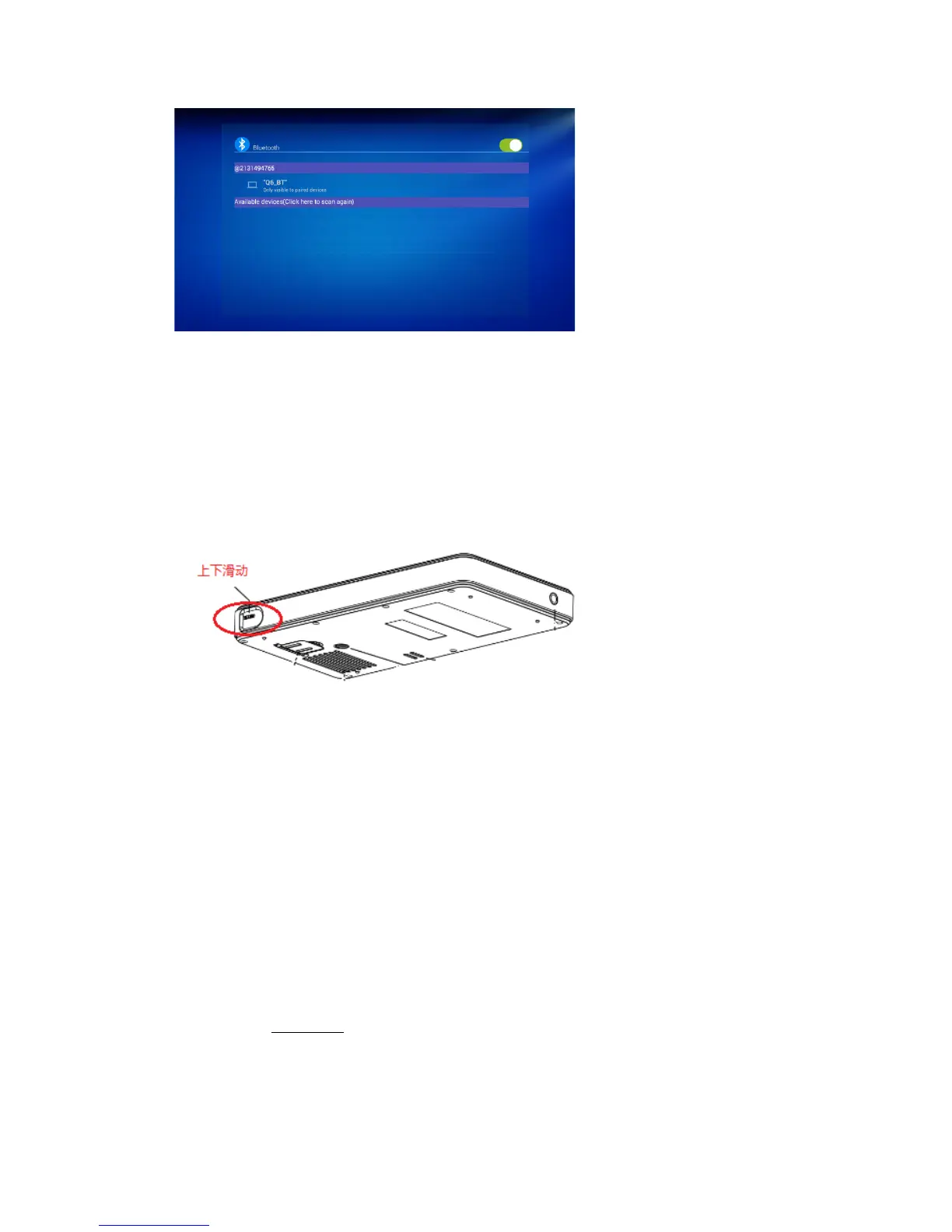
To slide the power switch to the other end, the standard USB2.0 port can output the
power supply 2.0A@5V at most.
Please be noted: The power ON/OFF switch need to be set in the middle position.


 To Next Page