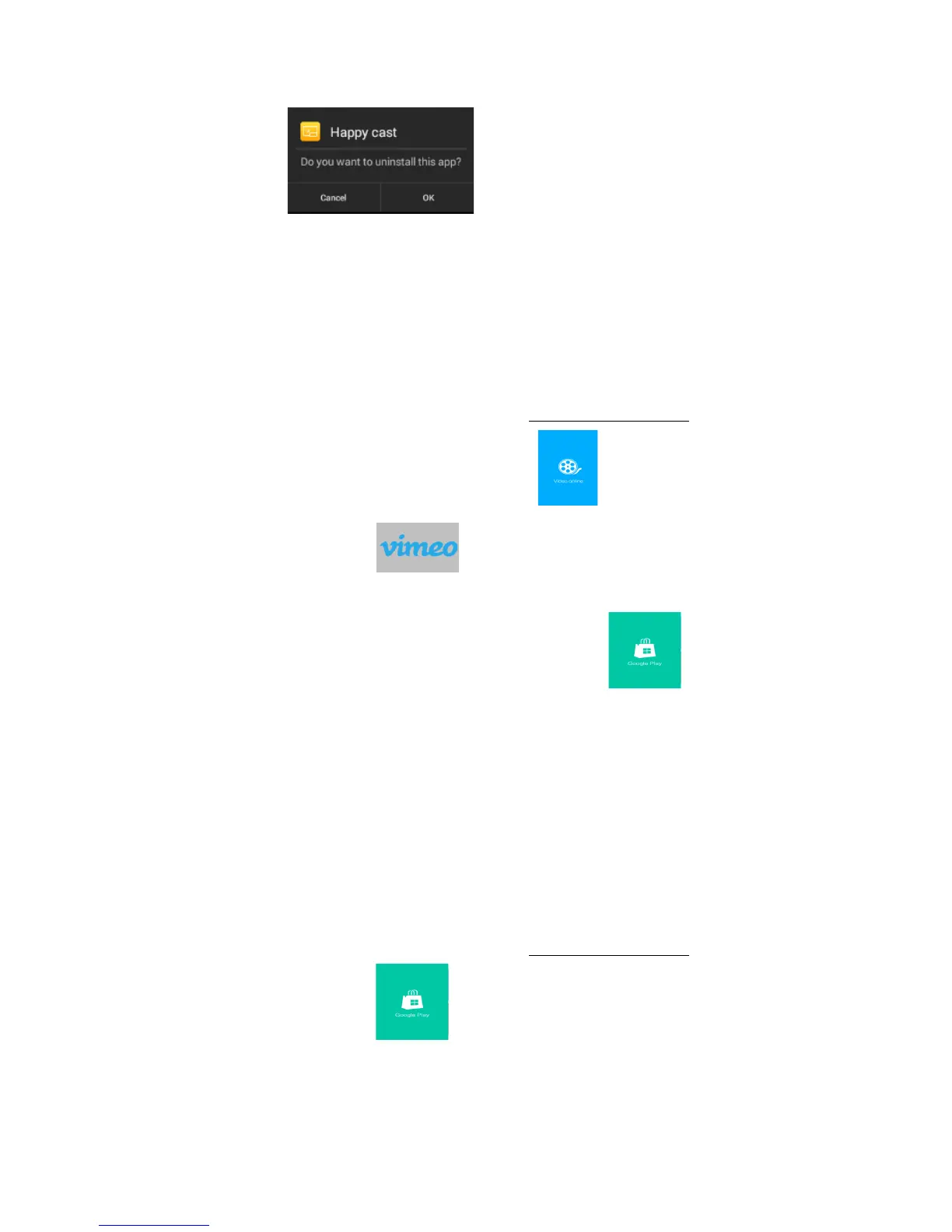
be popup menu . To choose YES/confirm to remove the
APP/APK from your customization.
Please be noted that: the above operation can only cancel/remove the shortcuts of
those APP/APK, but not to uninstall it. If you want to uninstall this APP/APK,
please refer to “application management” for more information.
To Watch Video Online
a) To access the internet. Please refer to chapter”To access the internet”
b) To click the icons in the online videos , to choose the video
APP/APK, for example( ).
c). If there is no video APP/APK, you can go to the website to download and install
it on the projector, or you can go to the google play market to download
the video APP/APK.
* Note: Now google play and youtube is not available on this version.
To play the popular APPs/APKs
To&install&the&APPs/APKs&
To access the internet. Please refer to chapter”To access the internet”
To Select the App Store , there is many choices, such as the Movies/
Games/ Software/ Tools etc. To select the APP/APK needed, to confirm to install it
on the projector.


 To Next Page