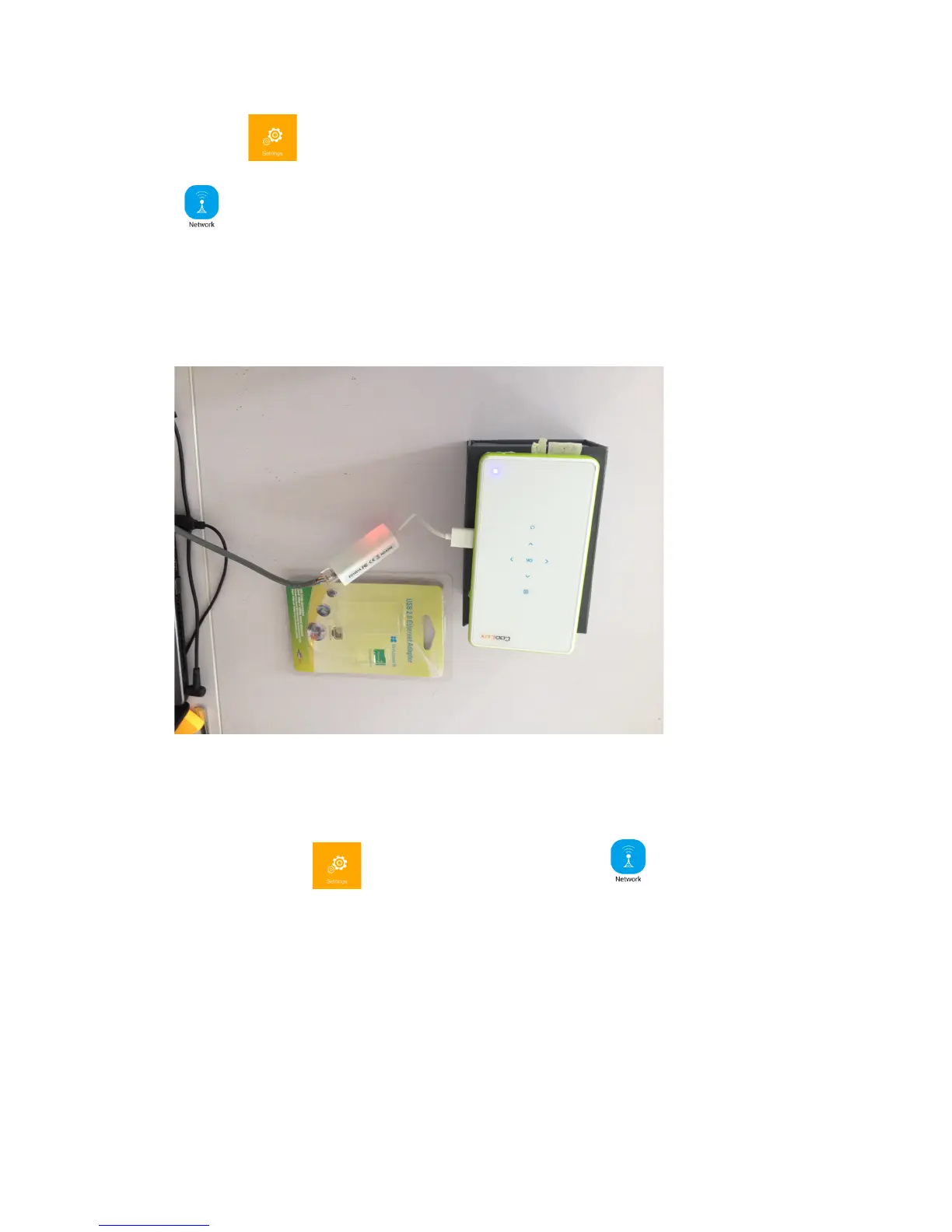
Click the (WIFI) icon on the second page, then select the Network Setting
, and then Cable Connection
There in the information window, there is “Network Connection succeed”
information with IP address.
Please be noted that: the USB-LAN adaptor is not standard accessory. It need to be
purchased separately.
WiFi&Wirelss&Connection&
To click the WiFi icon on the desktop, there is network setting
menu. To see the below information.
To turn on the WiFi switch, there is the list of all the SSID and hotspots.
To select and to input the WiFi password, and to confirm.
Soon this projector can access internet.


 To Next Page