Input&PC/TV&bo x/ Ga m e& co nsole/com puter&sign al&
Connect the Q6 and PC/TV box/Game via HDMI cable. For detailed instructions
please refer to “to connect to HDMI port”.
To click the local video , and to select the HDMI function. The
HDMI input function will be activated.
To output the PC/laptop/ Game console/Computer via HDMI, then the images will
be projected onto the projector.
*HDMI-in function is only available for the ultimate version.
To play videos from USB disk /TF card
a) To insert flash memory/TF card
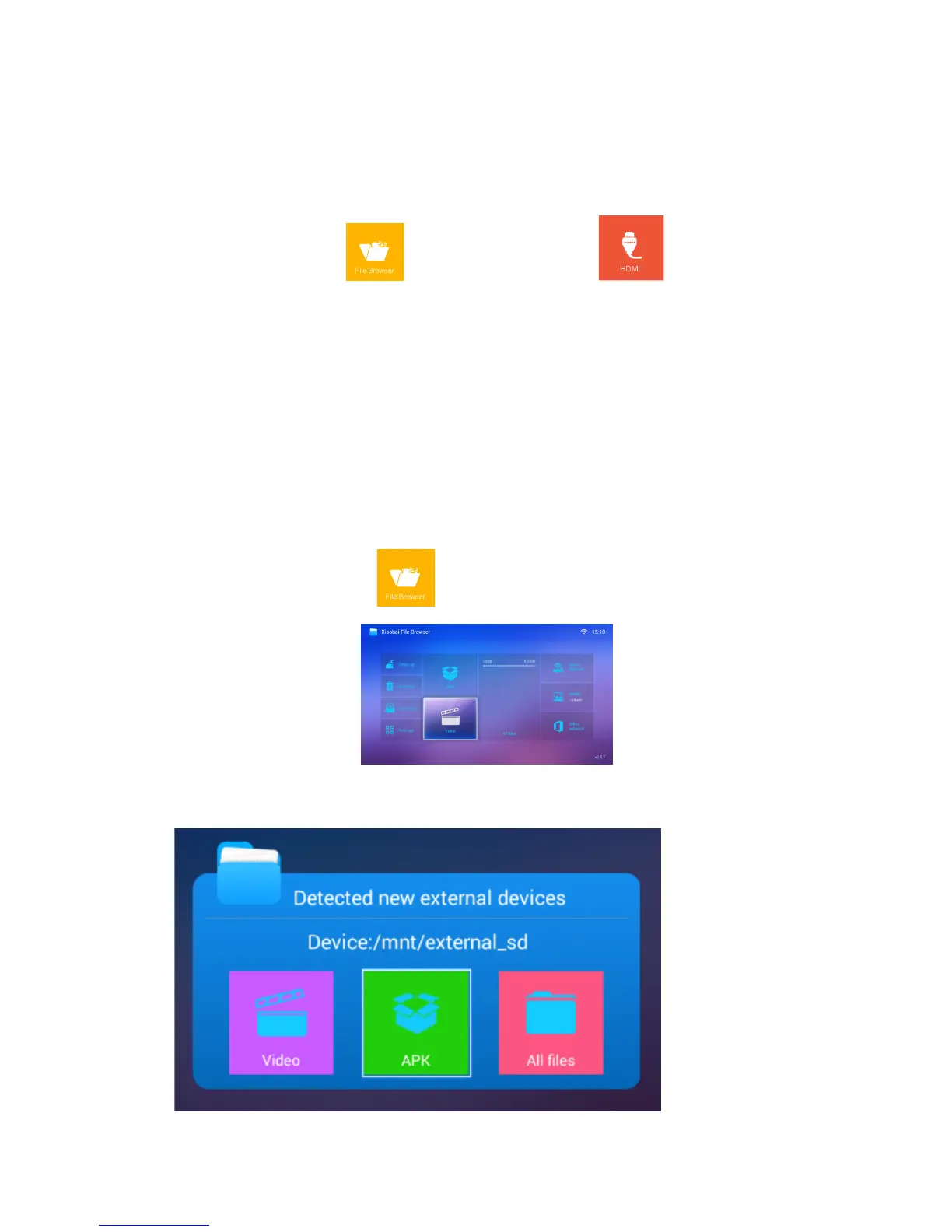
b) To click the local video ,there is an APP/APK, say, file manger. The
menu is as following
c) Insert flash memory, then appear below menu, select according file to play.


 To Next Page