To connect to the speakers
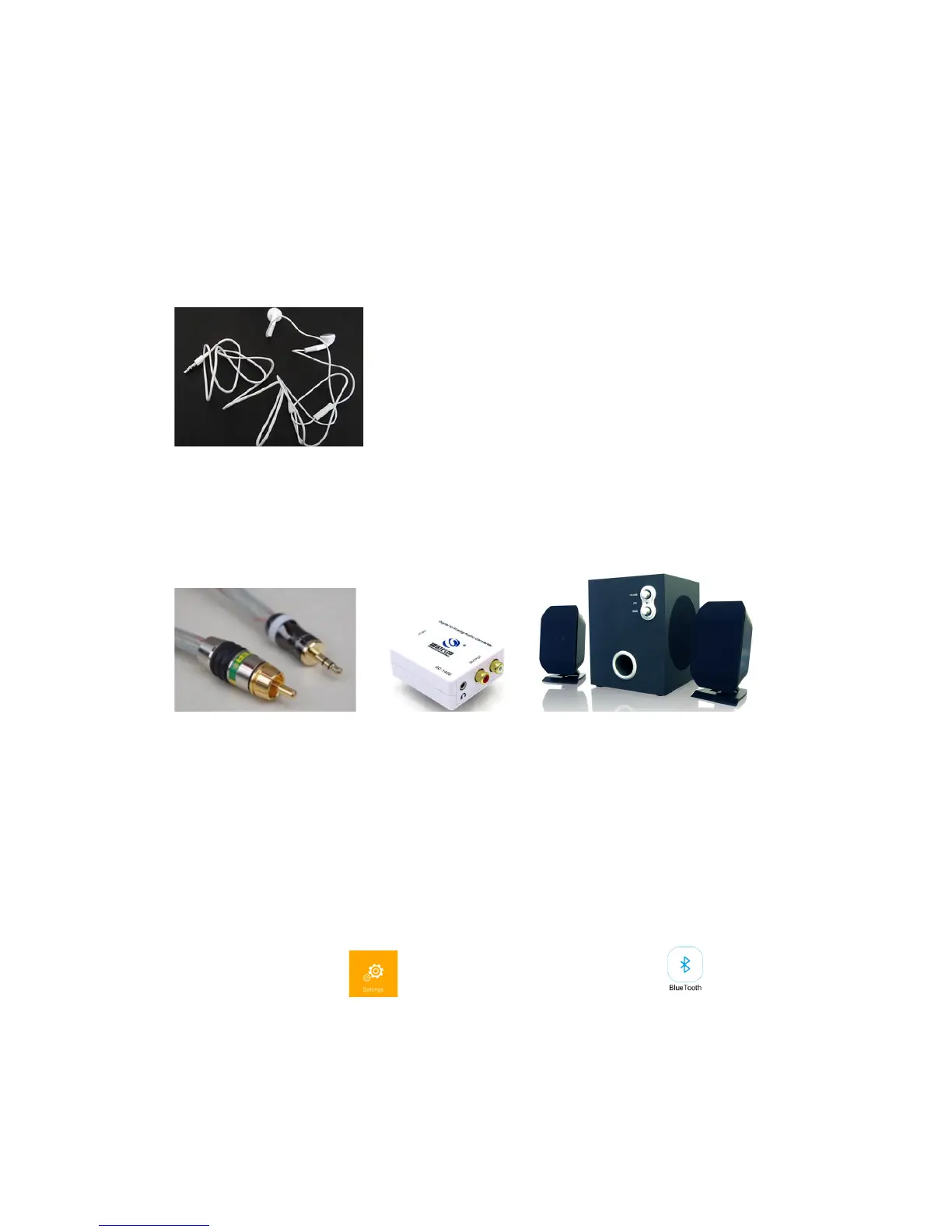
To connect to 3.5mm headphone cable
To connect to 3.5 coaxial audio cable
The Q6 projector can connect to 3.5mm coaxial audio cable, refer to below pictures.
+ +
To connect to RCA audio cable
With 3.5mm to RCA adaptor, the audio inside can be output to amplifier as well.
Bluetooth&connection&
a) To click the setting on the main, then select bluetooth
b) To turn on the Bluetooth function, and to turn on the Bluetooth
headphone/speaker
c) To set the Bluetooth headphone/speaker in search mode, and the projector will
search and match the headphone/speaker.


 To Next Page