8
Option 1-3: Shunting 24hr Zones
This option enables you to shunt (disable) all
24 Hour zones in a selected ward that has
been set up as shuntable in Engineer option
1-1. Shunting disables a zone and the
shuntable attribute identifies whether this is
permissible.
Z
Zones remain shunted until you use the
Reinstate 24hr option (see below).
Z
Reinstating zones may start the exit timer
if the installer has selected Unshunt & Exit
(Engineer option 1-9-1).
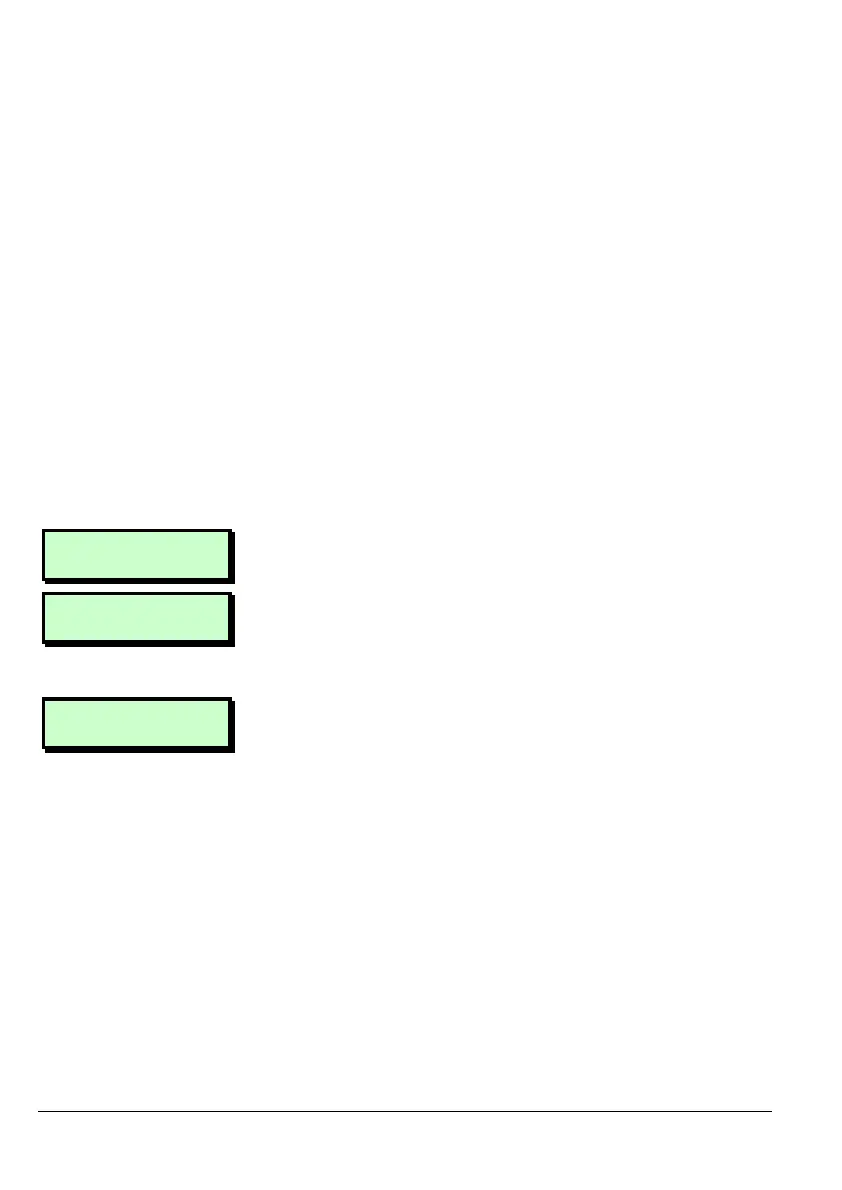
User 1 Menu 3
Shunt 24hr Zones
1. Press [ to select this option.
1=Shunt 24Hr
2=Reinstate 24hr
2. Press 1 to shunt zones or 2 to reinstate
zones that have been previously
shunted.
Shunt Wards
Ward > 1*......
3. Use the numeric keys to select the wards
to shunt/reinstate, then press [. Any
ward numbers shown will be
shunted/reinstated. (A “*” indicates that
the ward will not be shunted/reinstated. A
“.” Indicates that either you have no
access to the ward, or the ward has not
been programmed.)



 To Next Page