52
Text Keys
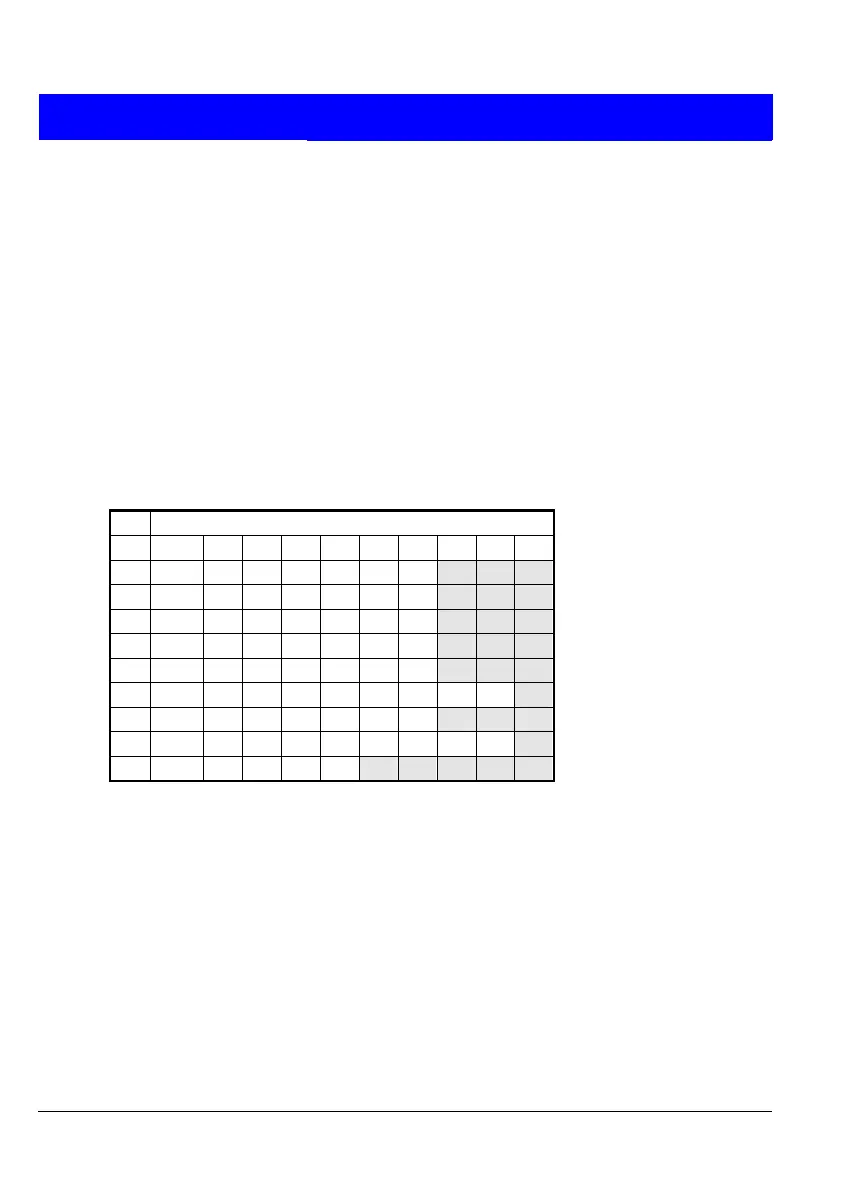
The following table shows how to obtain characters when entering text
at the keypad. For example, press 2 twice to obtain the "B" character.
Once you have chosen the character you require, press | to move the
cursor to the right to edit the next character. The ¬ key moves the
cursor to the left.
Note: When you reach the end of the character sequence, the next
press of the same key takes you back to the beginning of the
sequence. For example, the eighth press of the 2 key displays the "A"
character.
Key Characters Generated (in Sequence)
1
. , ? ! 1 @ " - & '
2
A B C 2 a b c
3
D E F 3 d e f
4
G H I 4 g h i
5
J K L 5 j k l
6
M N O 6 m n o
7
P Q R S 7 p q r s
8
T U V 8 t u v
9
W X Y Z 9 w x y z
0
<sp> 0 , # *
Z
Note: <sp> represents the space character.



 To Next Page