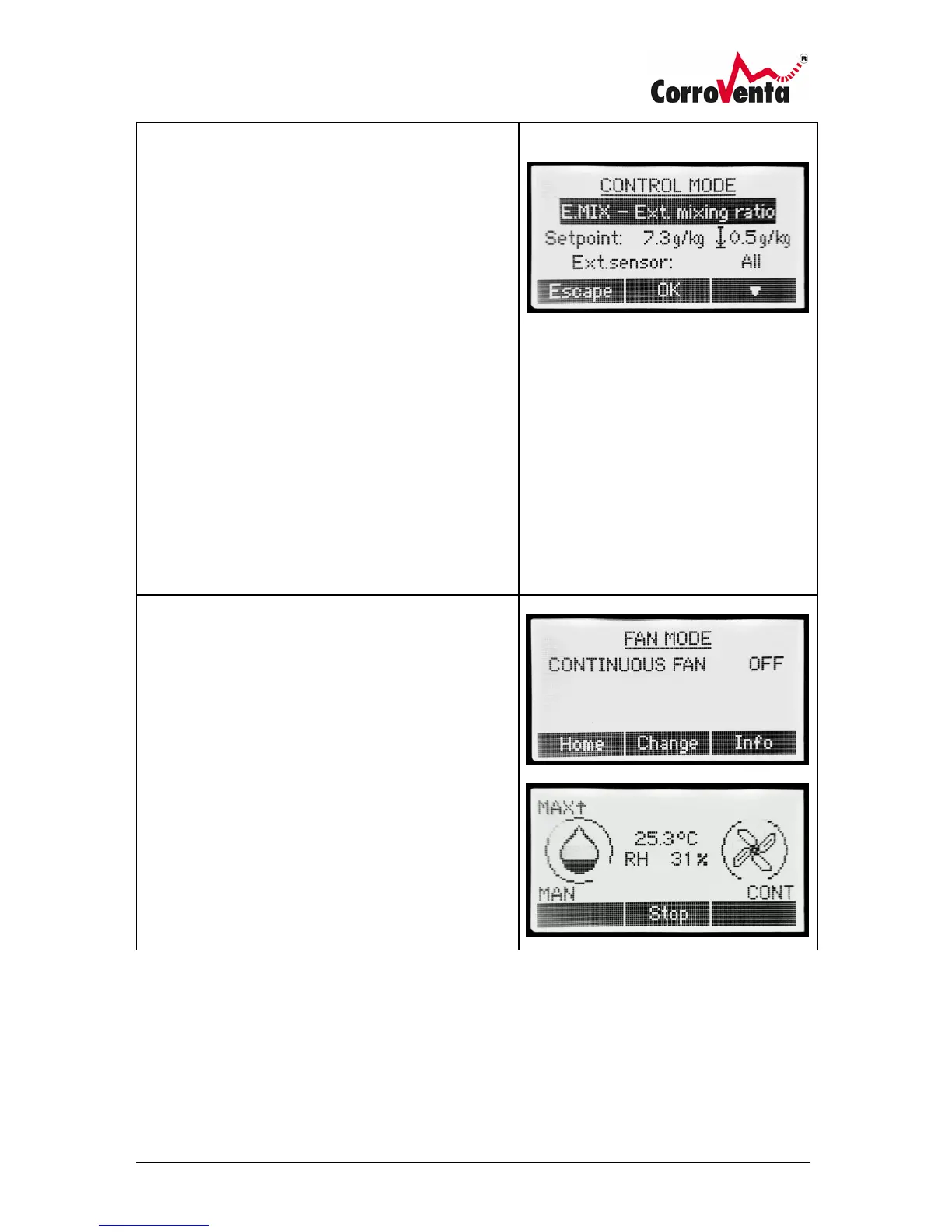
When selecting mode other than MAN, the machine
presents the user with the possibility of determining
the setpoint.
When reaching the setpoint level, the drying
automatically stops. Should the humidity later on rise
above the setpoint level, drying operation is
automatically resumed.
Hysterisis
When selecting RH, DEW or MIX control modes, to the
right in the display there is a symbol and a hysteresis
value presented.
The symbol indicates the position of the setpoint in the
operation span as presented below.
↕ - center
↓ - bottom
↑ - top
Fan Mode
The Fan mode determines whether the fan in the
dehumidifier shall operate continuously or if it shall
operate only when drying is required and ongoing.
If continuous fan is selected, the word CONT is
presented in the lower right corner of the default
screen.
If possible, for optimal drying effect, use continuous fan
to keep the air in constant motion.



 To Next Page