Installing the CPU
1. Improper installation of the CPU may cause permanent damage to both the system
board and the CPU. -- Void of warranty
2. Always handle the CPU by the edges, never touch the pins or pads.
3. Alwa
s use a heat
sink and a CPU fan.
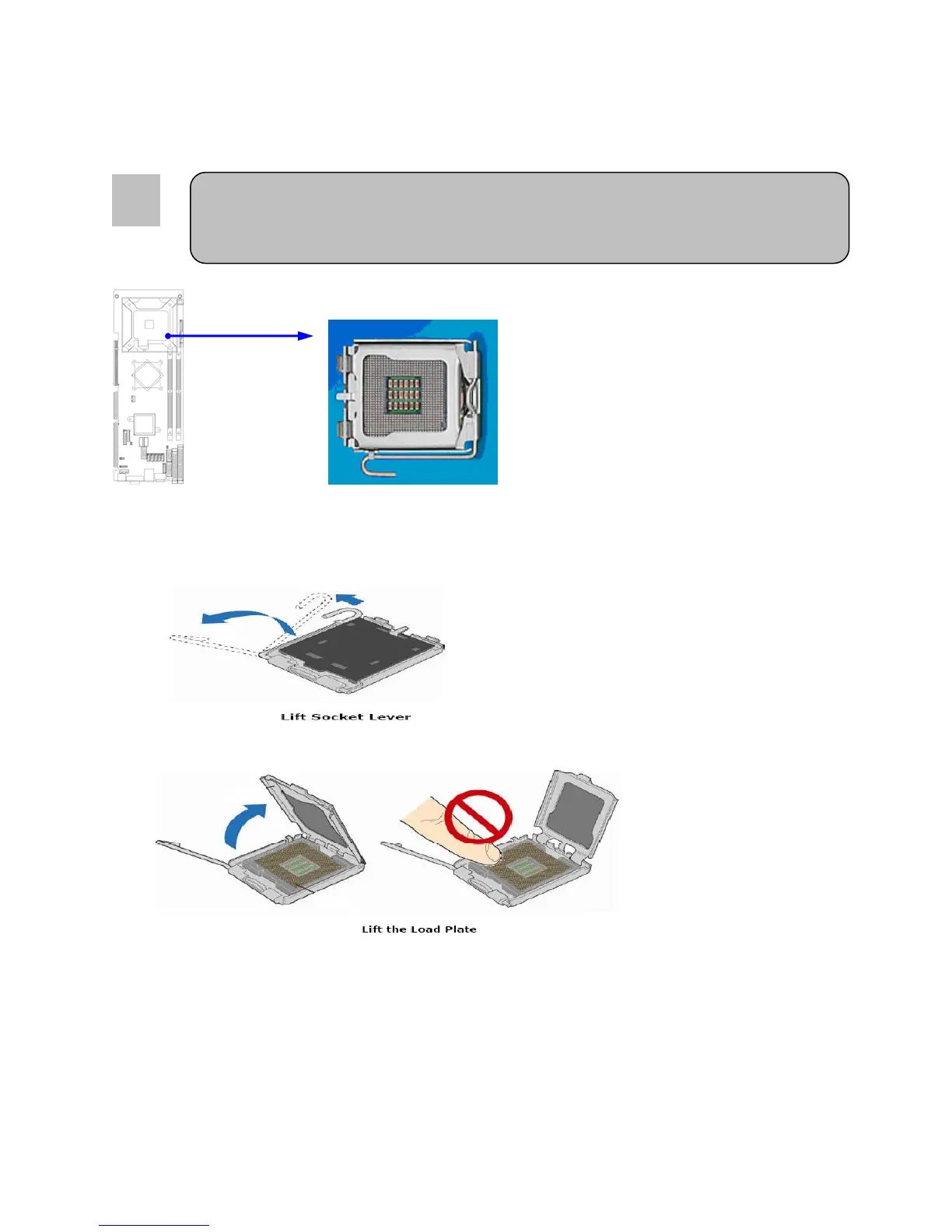
To properly install the processor, make sure to carefully follow these instructions:
1. Open the socket lever by pushing the lever down and away from the socket.
2. Lift the metal plate and make sure not to touch the socket pins
18



 To Next Page