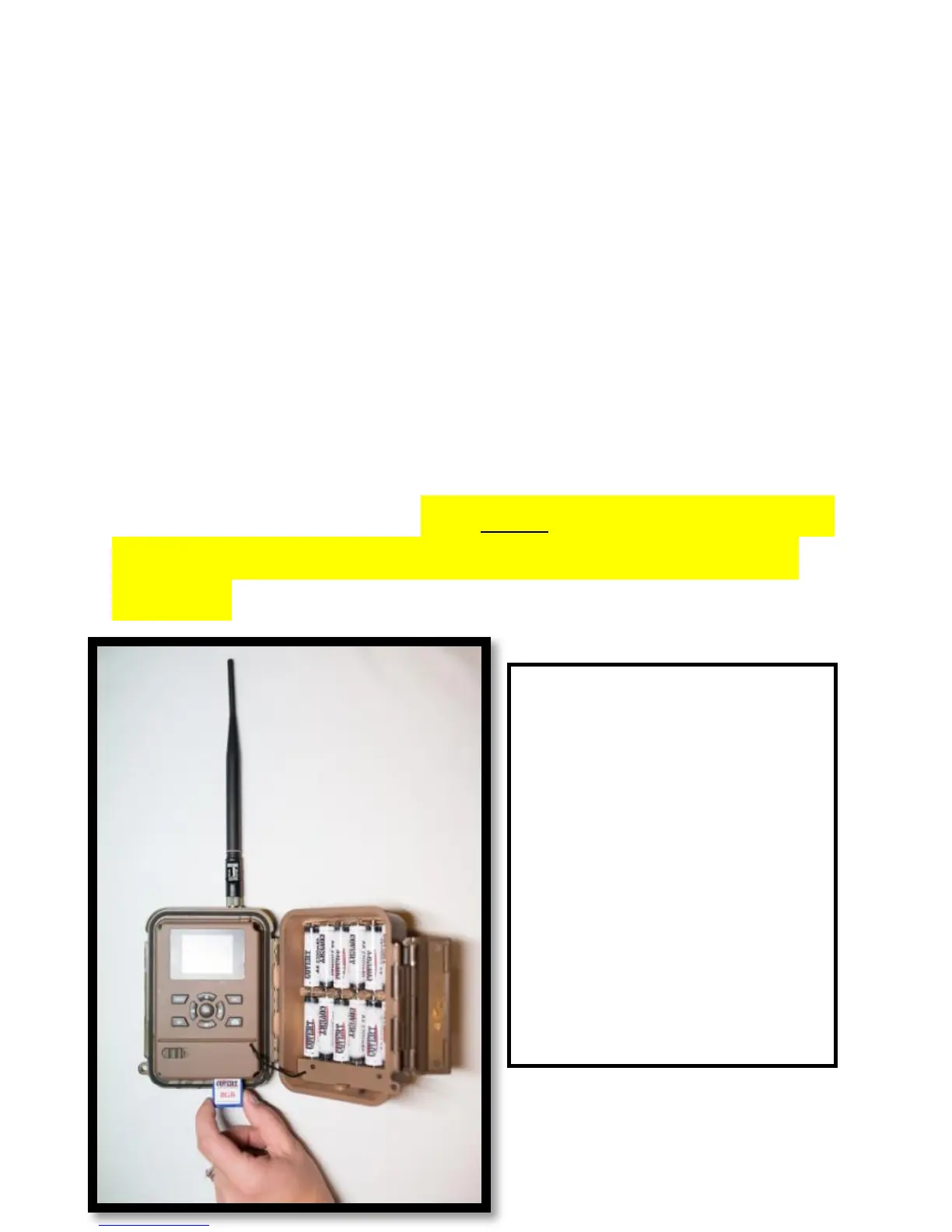
Installing the SD card:
Now that you have activated your Verizon plan, you
will need to install a SD card in the bottom of the
camera, (Covert SD card recommended). See Figure
8 for card orientation. Push in until it clicks and
release. To remove, repeat that process, the card
will pop out enough to remove. You can use any SD
card size up to 32GB. You must have the SD card in
the camera to be able to turn the camera on and
set it up.
NOTE: Every photo
taken with this
camera will be saved
to the SD card even if
it is sending the
photos wirelessly.
You will have access
to the high
resolution images on
the SD card.



 To Next Page