Viewing photos on the color display:
You can view your photos on the color display when
in the field. If you want to do this, make sure the
Selector switch is set to SETUP. Press the Play
button. You can use the ◄ and ► buttons to
toggle through the photos. If you see photos you
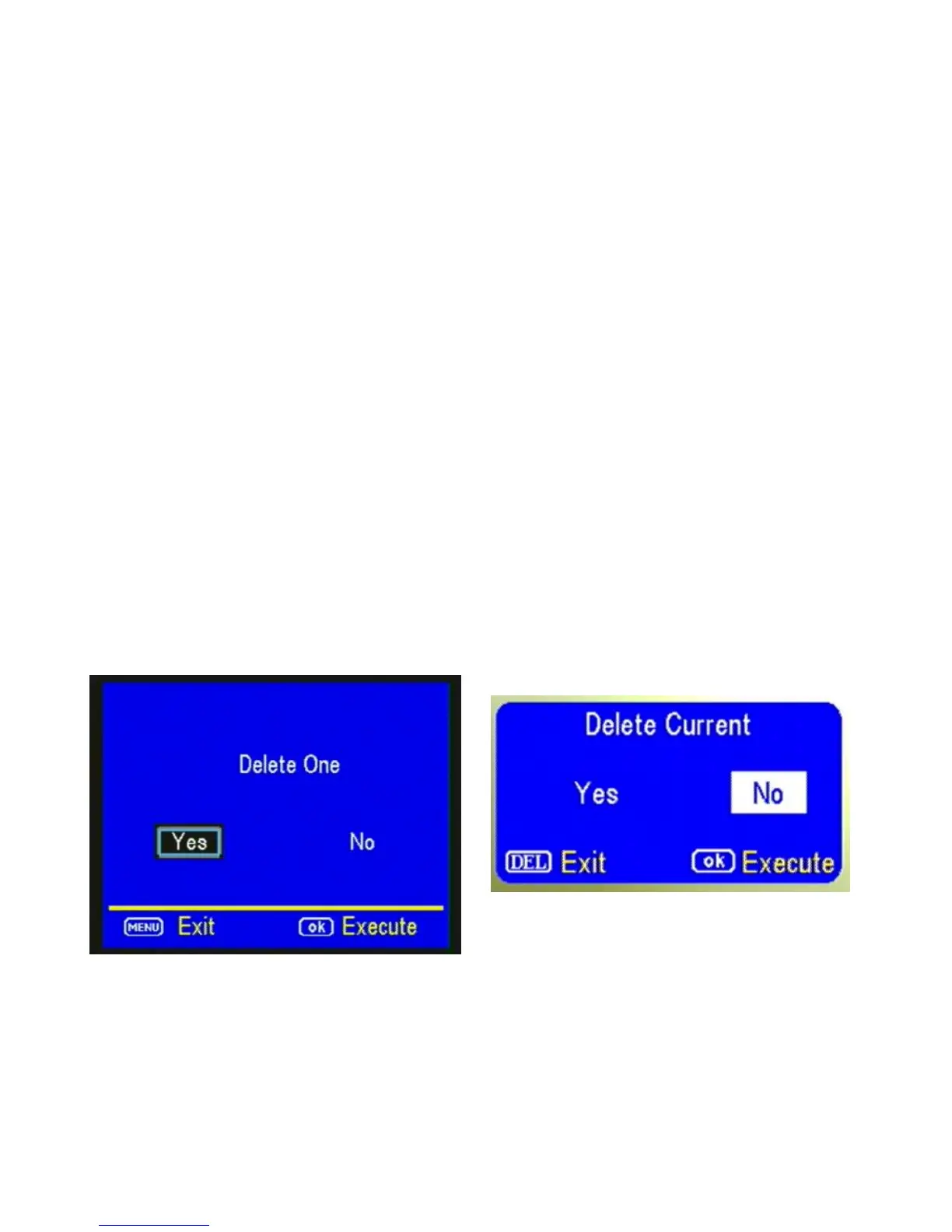
want to delete, show the image on the screen and
press the DEL button. This will delete the photo
that is showing on the screen. You will see the
screen below. Use the ► button to navigate to YES
and press OK. If you do not want to delete, press
the DEL button again and to go back. (Figure 21).
AUXILIARY POWER: Your camera uses a standard
4mm auxiliary power jack. Covert offers an auxiliary
cable to extend your battery life with an external 6,



 To Next Page