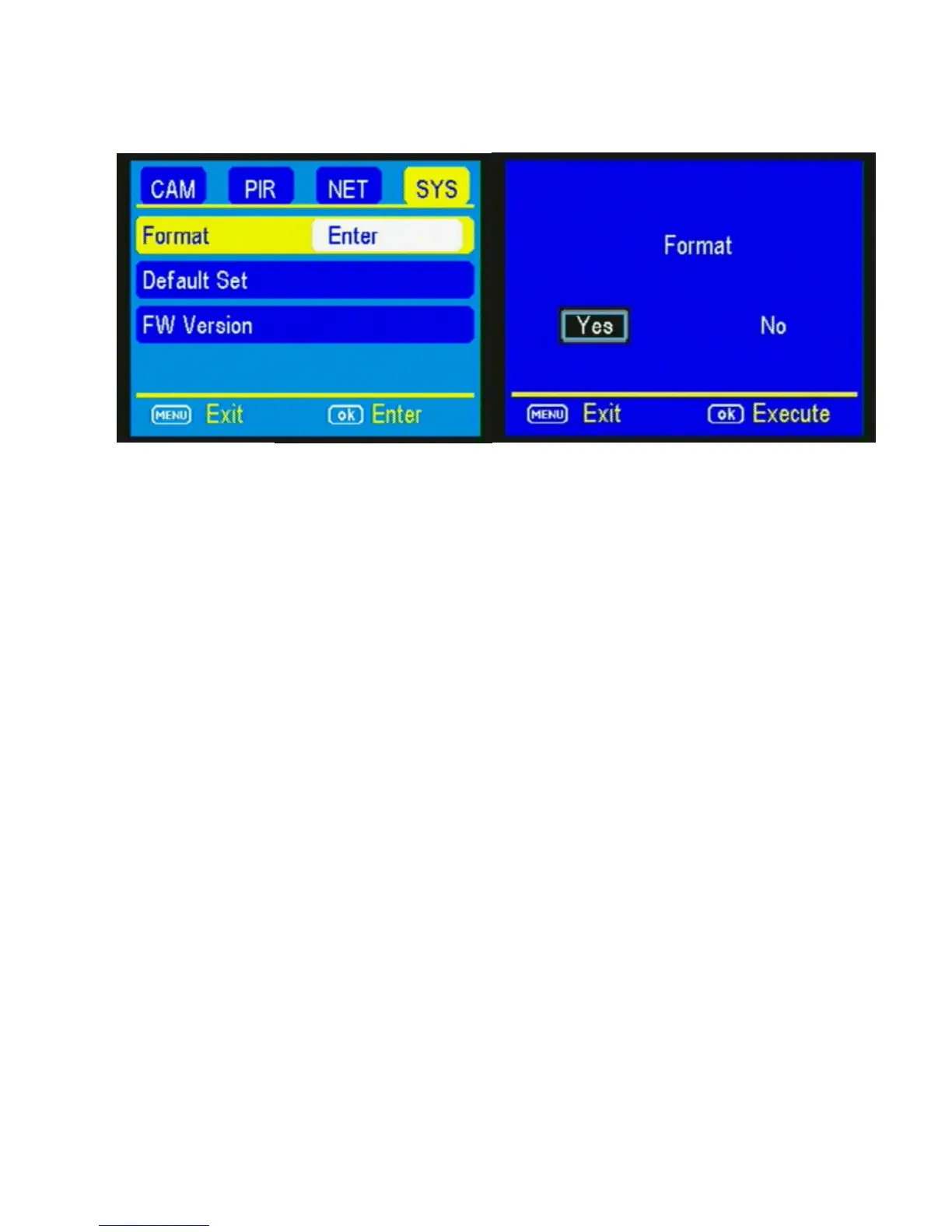
DEFAULT SET: The Default Set resets the camera to
factory settings. Press the ▼ button to highlight
the Default Set option. Press OK. Make sure that
you are 100% sure you want to reset all the settings
to factory default before pressing OK.
FW Version is for manufacturer’s use and
troubleshooting only.



 To Next Page