the ▲ or ▼ button to highlight the VIDEO LENGTH
option. Press the ◄ or ►buttons repeatedly to
change the number of seconds shown in the white
box. Long videos fill the SD card up quickly.
NOTE: You need to double the time interval from
what your video is set on. Example: 20 second
video length, your trigger interval needs to be a
minimum of 40 seconds.
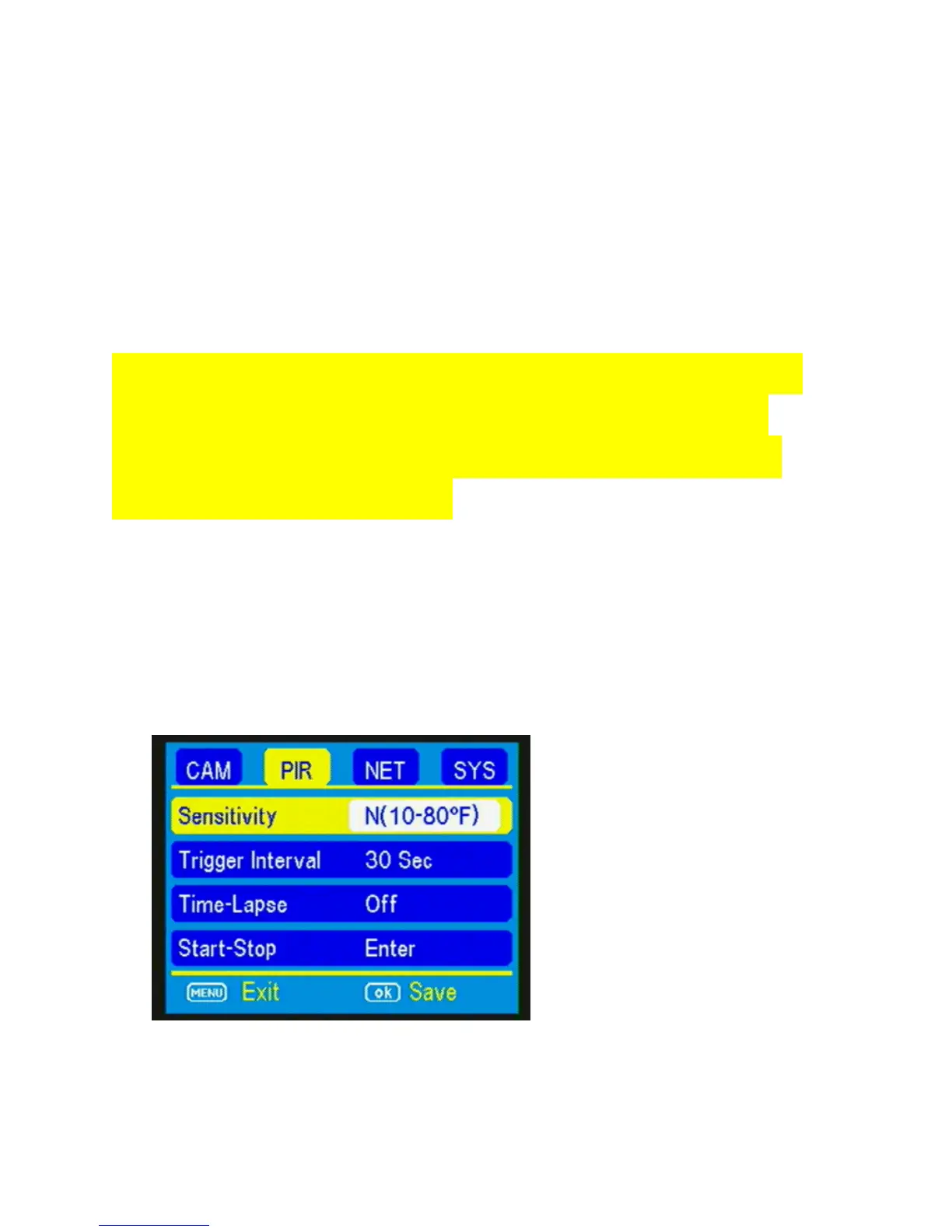
PIR tab:
Press the ◄ or ► buttons repeatedly until only the
PIR tab is highlighted in yellow in the menu. Screen
should appear like Figure 14.



 To Next Page