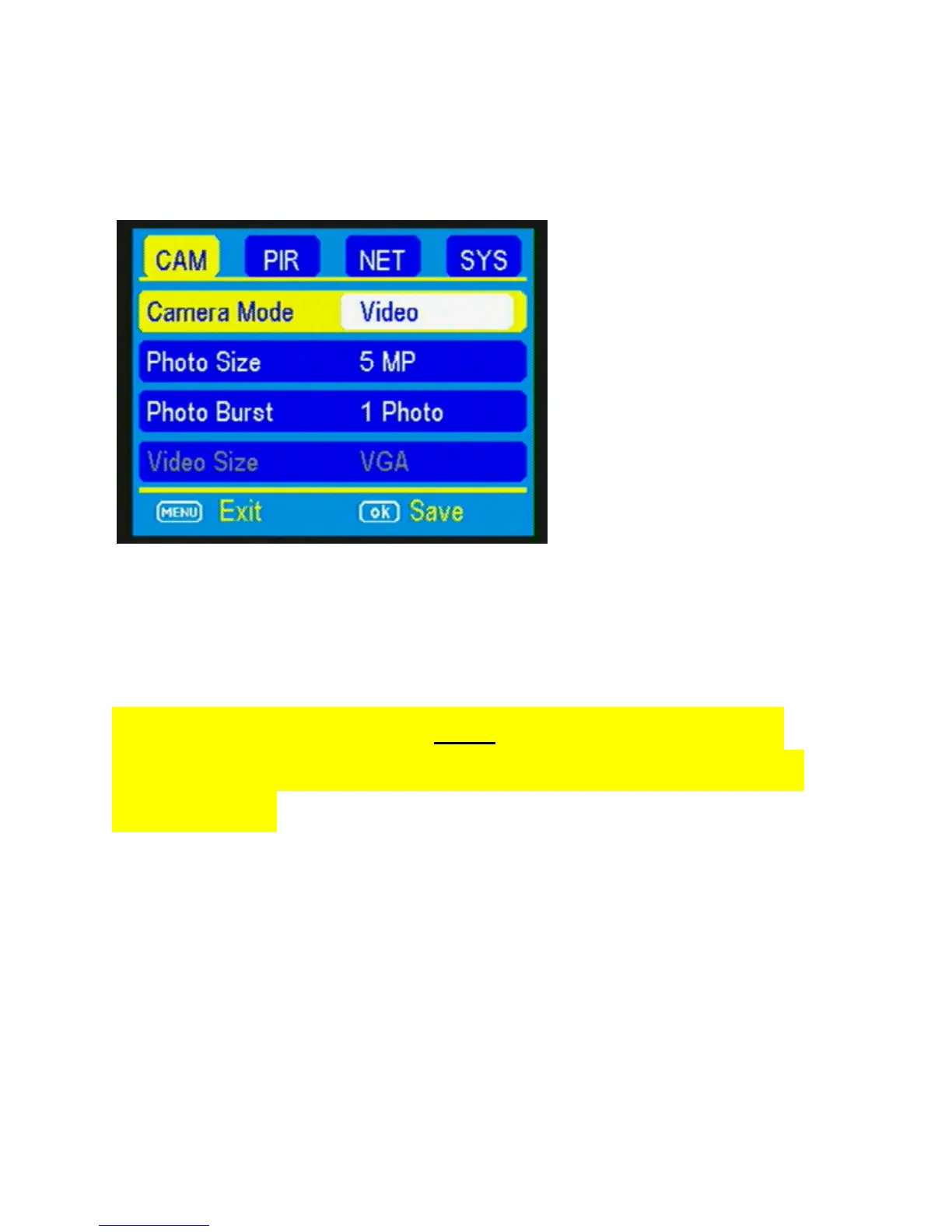
Video mode settings: (Figure 13).
VIDEO SIZE: You can choose from VGA or QVGA
video options.
NOTE: The camera will NOT send videos to your
mobile app. It will only alert you that a video has
been taken. Recommend low flash when set to
video.
Press the ► button to toggle between the VGA and
QVGA options. Press OK to save the setting.
VIDEO LENGTH: You can adjust the length of time
the camera takes a video from 5-60 seconds. Press



 To Next Page