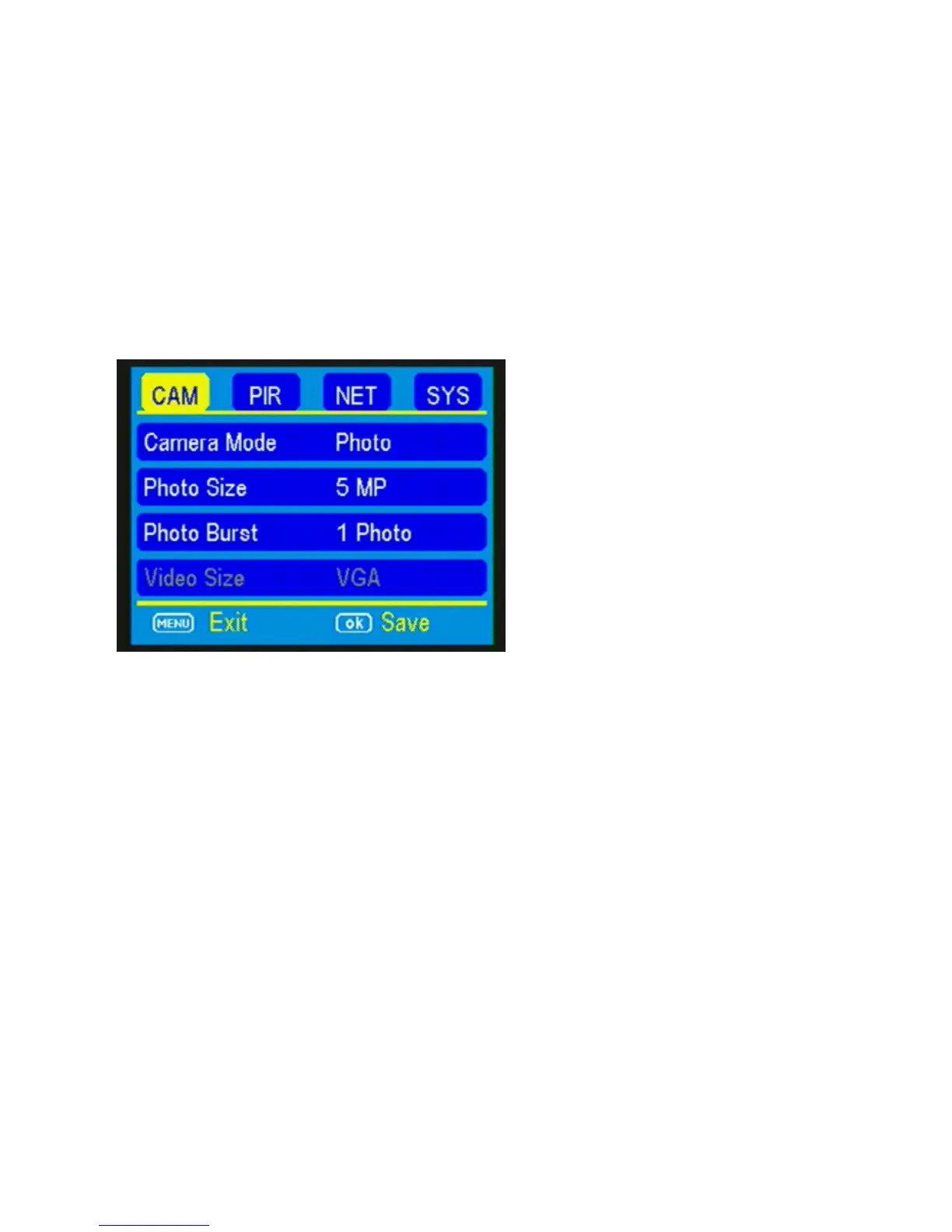
camera is ready to take photos. Press PLAY to
return to the main menu.
Customizing the camera settings:
Setting the camera mode:
Press the ▼ button to highlight the Camera Mode
option in yellow. Either Photo or Video will show
up in a white box to the right. Press the ►button
to toggle between Photo or Video until the option
you want shows in the white box. Press OK.
NOTE: If you do not press OK, your setting will
return back to the previous setting.



 To Next Page