1) Press the button that has the CAMERA symbol
on it (1) time to manually take a photo with the
camera. You will know that a photo has been
taken because the photo counter on the screen
will say 001.
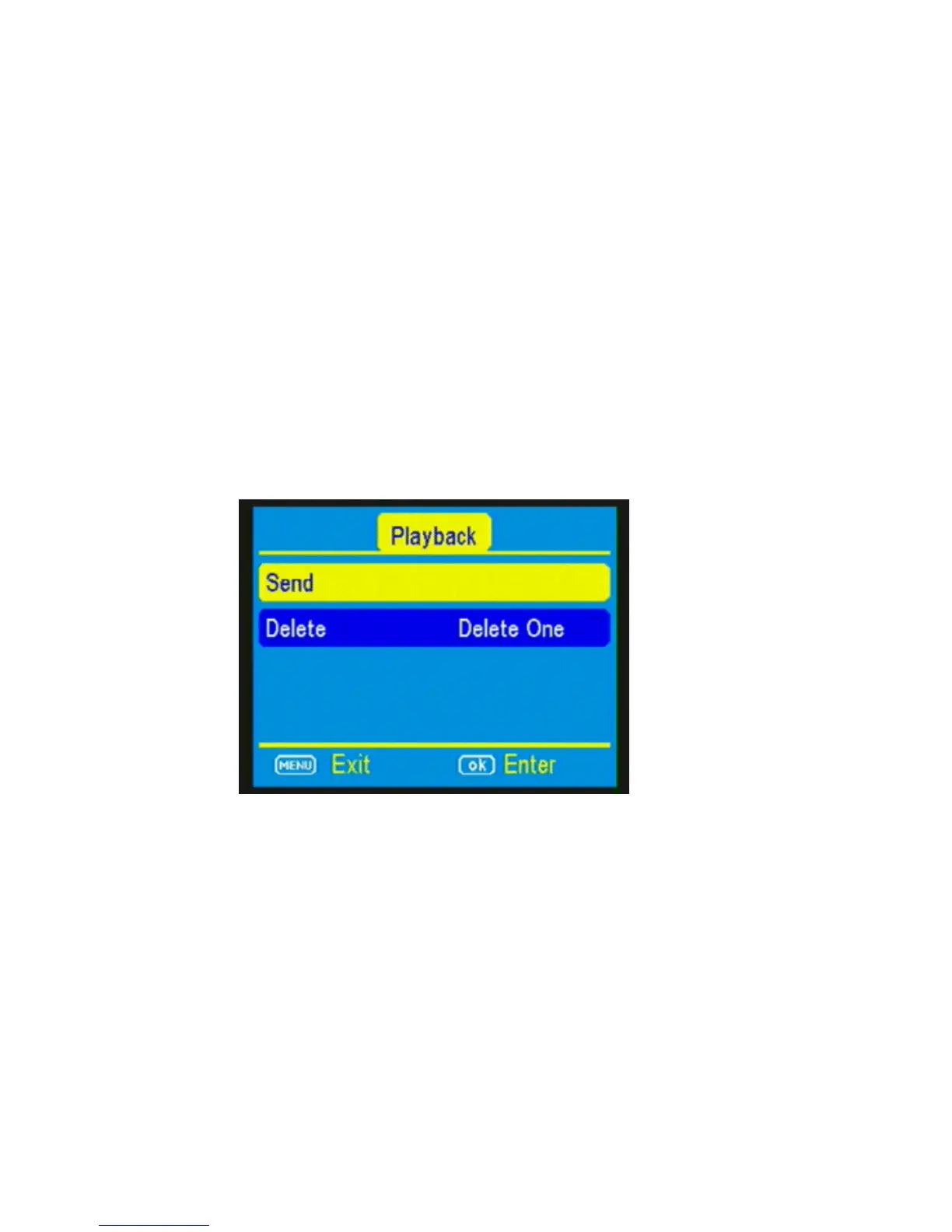
2) Press the PLAY button, located under MENU, to
enter the Play mode and then press the MENU
button. You will see the following screen.
3) Press the ▼to highlight the SEND option and
press OK. (Figure 11)
4) The LCD screen will start to count up from step
1 to 4 with brief pauses between numbers.
Once you see Send Successful, you have
successfully sent your first photo and your



 To Next Page