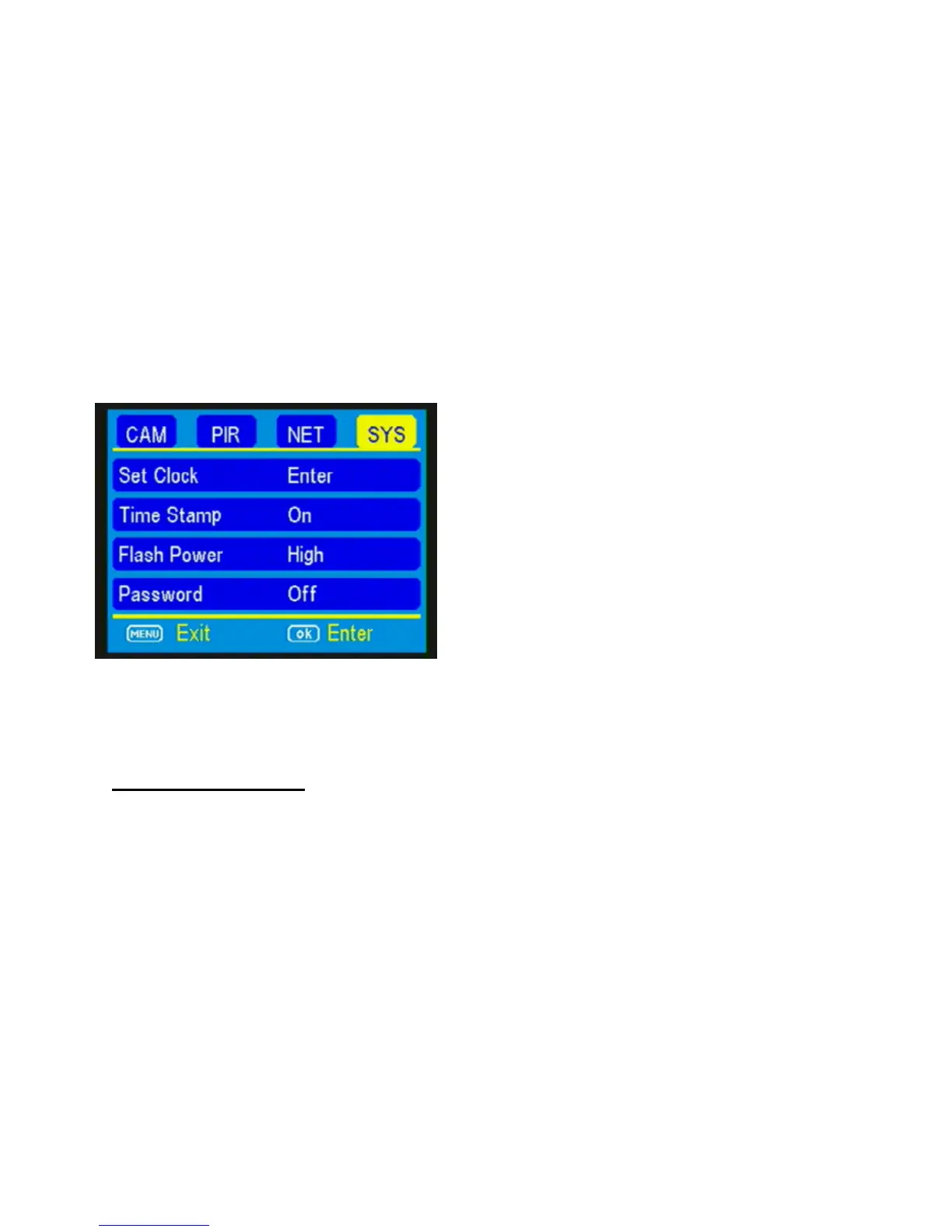
SYS tab:
The SYS tab controls all the internal system
information such as Setting the clock, Time stamp,
Flash range, Password, Over Write, and Format.
(Figure 17)
SETTING THE CLOCK:
When your camera connects to the network, it will
automatically set the time for your local time zone.
It is not necessary to set your time!
TIME STAMP: Press the ▼ button to highlight the
Time Stamp option. The default setting for the
Time Stamp option is ON. This puts the Time, Date,
Temp and moon phase at the bottom of the
camera. If you do not want the Time Stamp ON,



 To Next Page