Purchasing your Plan:
Follow these simple steps to activate or renew a
Verizon plan:
1. Open your web browser to:
https://secure.covert-wireless.com
2. Select the type of plan you'd like to add
3. Follow the prompts to select your rate plan,
enter your personal/billing information
and complete your purchase.
4. Log back into your account.
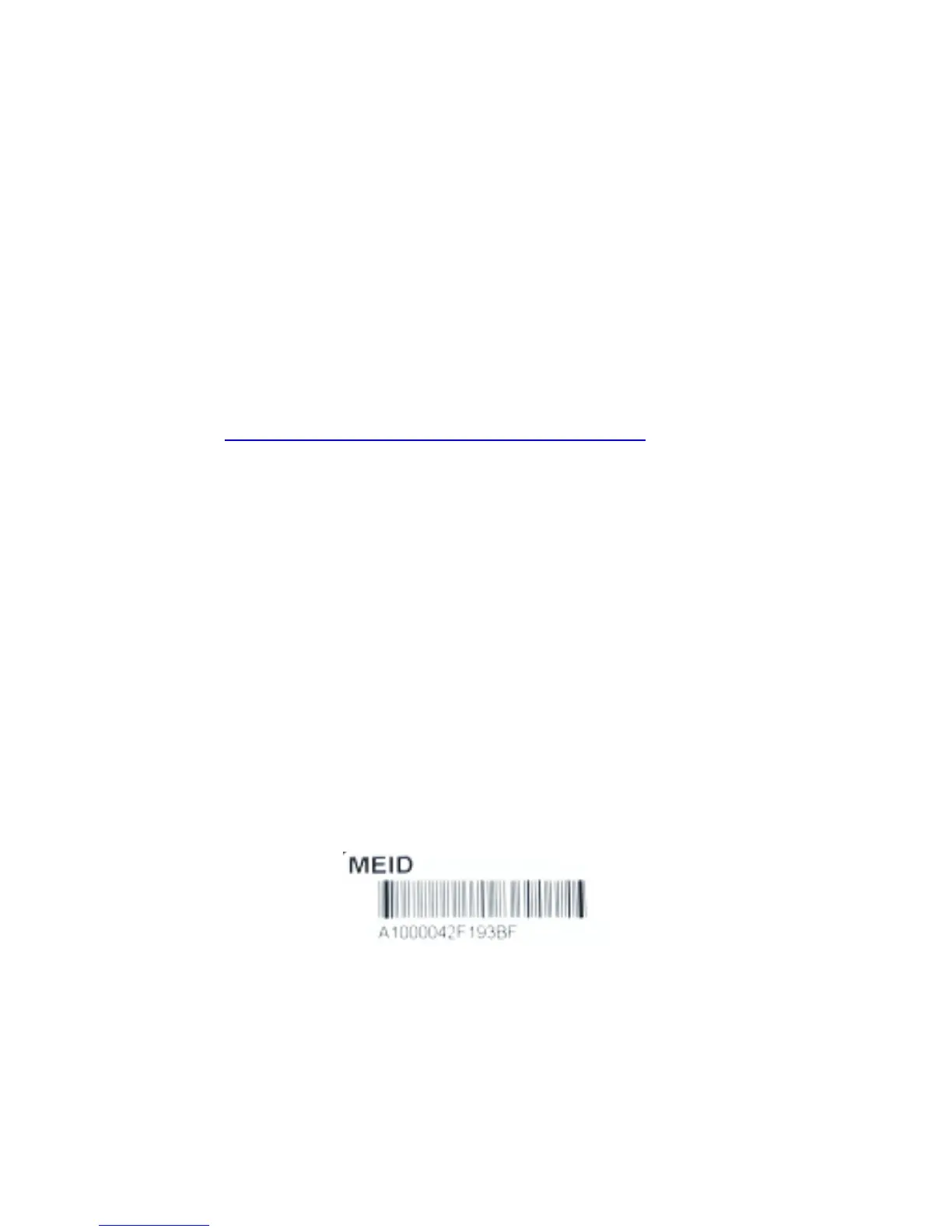
5. Enter the MEID for your Covert Blackhawk
found on the inside white label of the
camera or on the outer packaging. (Figure 5.)
6. Click the green activate button and refresh
your page.



 To Next Page