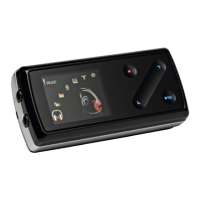
COWON D2+
21
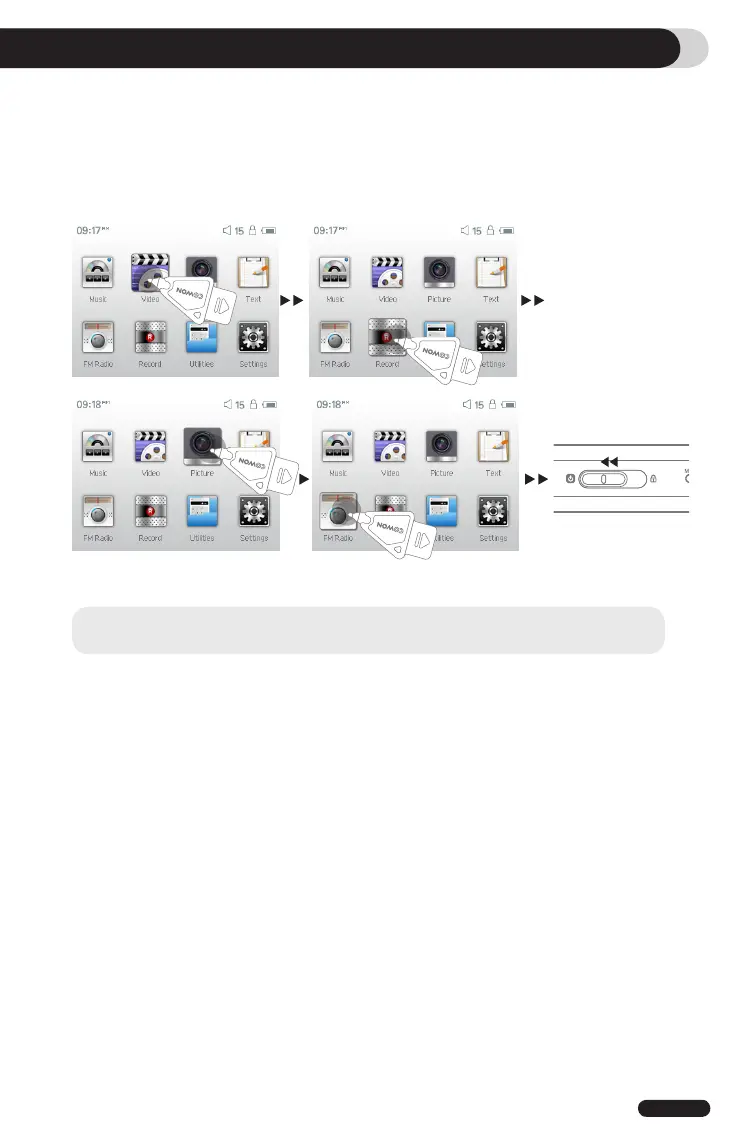
2. Setting to Factory Default Values
Additional Information
COWON D2+ can be returned to its original factory settings. Resetting will erase all the currently set
values for settings and will return them to the values pre-set at the factory.
1. Turn on the power
2. At the Mode Selection screen, follow the steps shown below.
3. Next time a power is turned on, the language selection screen will appear.
- If the product does not function properly, before setting it to its factory default values, please press “RESET”
button at the bottom of COWON D2+. If problem persists, then set it to the factory default values.


 To Next Page