9
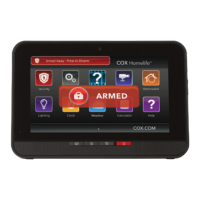
TOUCHSCREEN CONTROL PANEL
HOME MANAGEMENT
View live video from in-home cameras, adjust lighting and
thermostat settings, and darken the touchscreen display
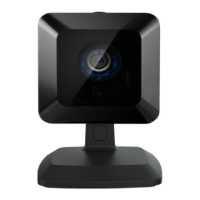
CAMERAS
View live video from cameras installed on your system.
1. Touch the Cameras widget.
2. Touch the camera image to view live video from that
camera. If only one camera is connected to the system,
live video will automatically appear.
LIGHTS
You can adjust settings for lights throughout your home.
1. Touch the Lights widget to display a list of the lighting
modules installed in your home, as well as the current
setting of each.
2. Change the current setting to the ON or OFF position.
3. For lamps equipped with a dimmer function, use the
slider bar to adjust the brightness level.
THERMOSTATS
Adjust settings for thermostats installed in your home.
1. Touch the Thermostats widget.
2. Change mode to Cool, Heat or Off.
3. When in Cool or Heat Mode, use the slider or - + toggles
to change the setpoint.
4. Touch Hold to maintain the mode and ignore any other
programming configured on the Thermostat device.


 To Next Page
 Loading...