23
3
4
5
6
To set a Nonevent rule:
1. Select a specific security zone to monitor.
2. D etermine the event that fails to occur during the
specified time range.
3. Determine the time/day range when the rule is applicable.
4. Select the action to be taken if the specified conditions
of the rule are met. Depending on the action, you may
have additional items to select.
5. Select the arming mode the rule will apply.
6. Describe the rule.
7. Click Save.
MANAGE TOUCHSCREEN WIDGETS
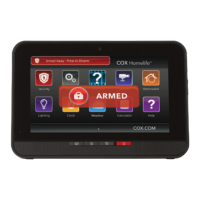
You can manage which touchscreen widgets are displayed
on your touchscreen, configure them, and determine how
they are displayed. To perform these actions, you need to
log in to the Subscriber Web Portal on the secure website.
Once you are logged in:
Click Widgets on the toolbar.
The widgets at the top of the screen are those available
to be added to the touchscreen. The widgets displayed in
the touchscreen image are those apps currently displayed
on the touchscreen, and the widgets are positioned in the
image just as they are on the actual touchscreen.
WEB ACCESS
1
2
7


 To Next Page
 Loading...