3C Interfacing and Programming CPI Canada Inc.
Use and disclosure is subject to the restrictions on the title page of this CPI document.
Page 3C-74 CMP 200
X-Ray Generator Service Manual Ch # 901476-04 Rev. C
3C.10.2 DAP SETUP Menu Items (Cont)
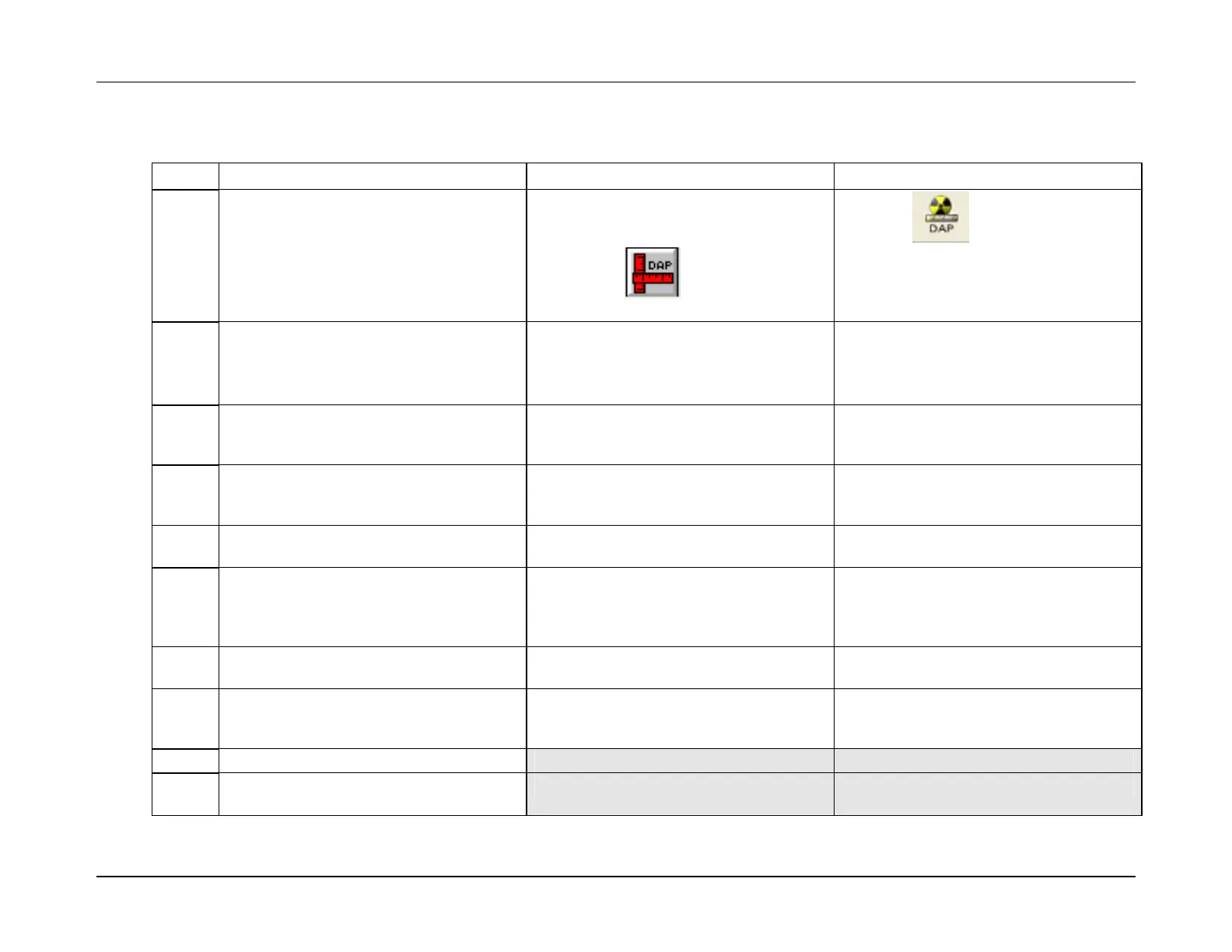
Use these steps to set up the DAP device. DAP calibration is done after DAP setup
Step Action (membrane console)
Action (PC GenWare) Action (Touchscreen GenWare)
1.
From the GEN CONFIGURATION menu,
select DAP SETUP.
From the GenWare GENERATOR
UTILITIES application, select DAP Setup
from the Setup menu, or use the DAP
setup button
on the GenWare
toolbar.
Press the
button on the
GenWare toolbar to access the DAP
Setup utility.
2.
From DAP SETUP menu 1, select DAP.
Toggle the button to select ON or OFF.
The DAP device must be enabled if you
wish to continue.
Check the DAP checkbox to enable the
DAP function.
The DAP device must be enabled if you
wish to continue.
Check the DAP checkbox to enable the
DAP function.
The DAP device must be enabled if you
wish to continue.
3.
Select DEVICE TYPE 1. Use the + or –
buttons to select the desired DAP 1
device.
Select the desired DAP 1 device via the
Device Type 1 dialog box.
Select the desired DAP 1 device via the
DAP Device Type 1 dialog box.
4.
Select TEST VALUE 1. Use the + or –
buttons to enter the test value for DAP
device 1.
Select the test value for DAP device 1 via
the Test Value 1 dialog box.
Select the test value for DAP device 1 via
the Test Value 1 dialog box.
5.
Select DAP PRINTER. Toggle the button
to select OFF, DPU414, or SLP200.
Select the desired printer via the DAP
Printer dialog box.
Select the desired printer via the DAP
Printer dialog box.
6.
Press DAP to access the DAP RESET,
TEST, and PRINT functions.
When DAP is enabled, a DAP display
window is opened immediately below the
GenWare toolbar, as shown in figure
3C-19.
When DAP is enabled a DAP display
window is opened along the bottom edge
of the screen.
7.
Press RESET to reset the DAP display to
zero.
Press Reset to reset the DAP display to
zero.
Press Reset to reset the DAP display to
zero.
8.
Press TEST to test the DAP system. This
will test the DAP chamber and DAP
circuits.
Press Test to test the DAP system. This
will test the DAP chamber and DAP
circuits.
Press Test to test the DAP system. This
will test the DAP chamber and DAP
circuits.
9.
Press PRINT to print a DAP label.
10.
Press EXIT to return to the DAP SETUP
menu.


 To Next Page