3C Interfacing and Programming CPI Canada Inc.
Use and disclosure is subject to the restrictions on the title page of this CPI document.
Page 3C-22 CMP 200
X-Ray Generator Service Manual Ch # 901476-04 Rev. C
3C.5.4 Console (Cont)
Step Action (membrane console)
12.
Select CM THICKNESS ON?. Toggle the button to select YES or NO.
13.
Select PASSWORD. Enter and re-enter a new password as prompted.
BE SURE TO RECORD THE NEW PASSWORD BEFORE CHANGING THE DEFAULT PASSWORD. IF THE NEW
PASSWORD IS SUBSEQUENTLY LOST, PLEASE CONSULT THE FACTORY.
14.
Select EXIT to return to CONSOLE CONFIG screen 1.
15.
Select EXIT to return to the UTILITY menu.
16.
Select EXIT again to return to the GENERATOR SETUP menu.
3C.6.0 APR EDITOR
The APR EDITOR enables / disables the ability of the operator to make and then save changes to APR techniques.
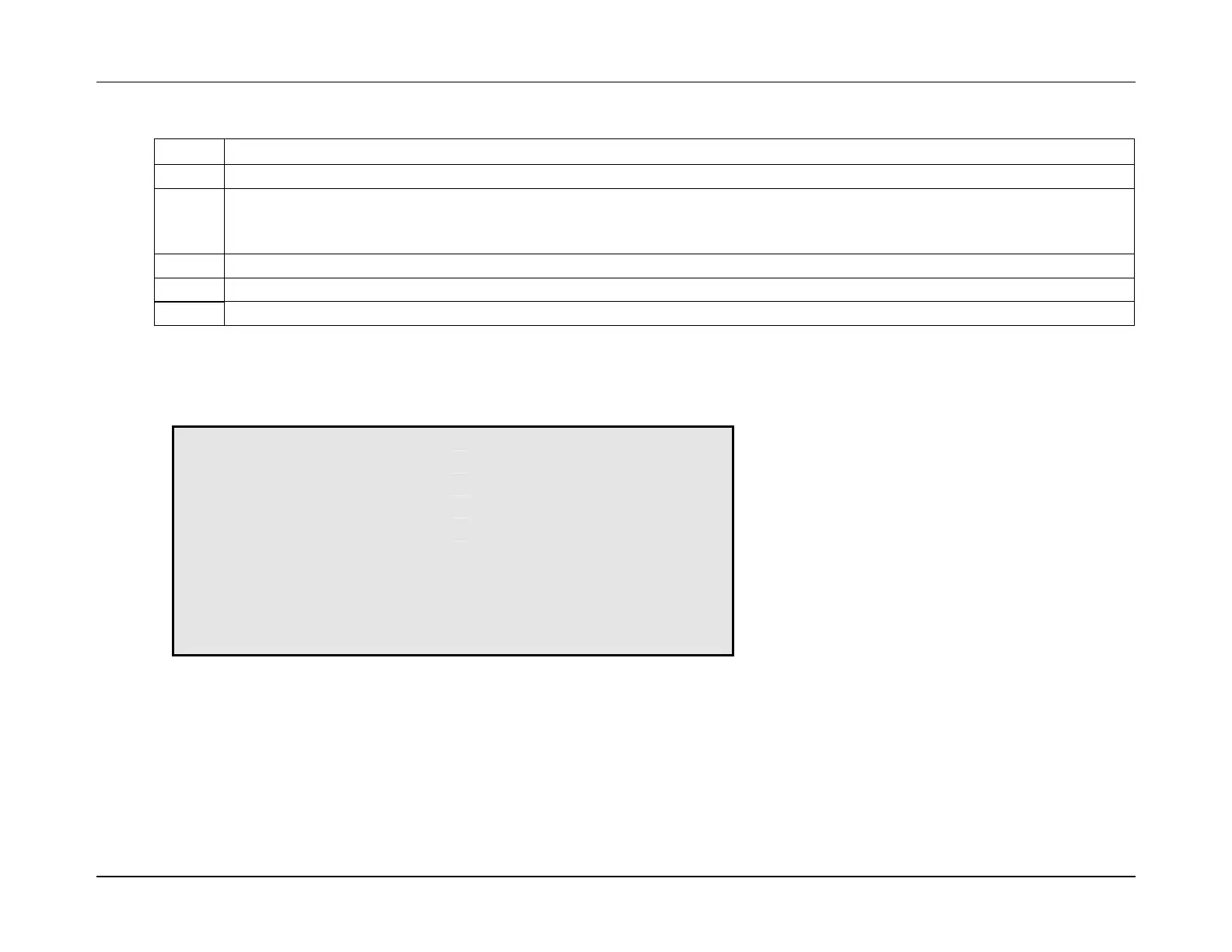
* GENERATOR SETUP *
UTILITY APR EDITOR: DISABLED
GEN CONFIGURATION
DATA LINK
EXIT SETUP
No equivalent function exists in GenWare, as the APR EDITOR affects the console operation only.


 To Next Page