3C Interfacing and Programming CPI Canada Inc.
Use and disclosure is subject to the restrictions on the title page of this CPI document.
Page 3C-14 CMP 200
X-Ray Generator Service Manual Ch # 901476-04 Rev. C
3C.5.1 Setting Time And Date (Cont)
Step Action (membrane console)
Action (PC GenWare) Action (Touchscreen GenWare)
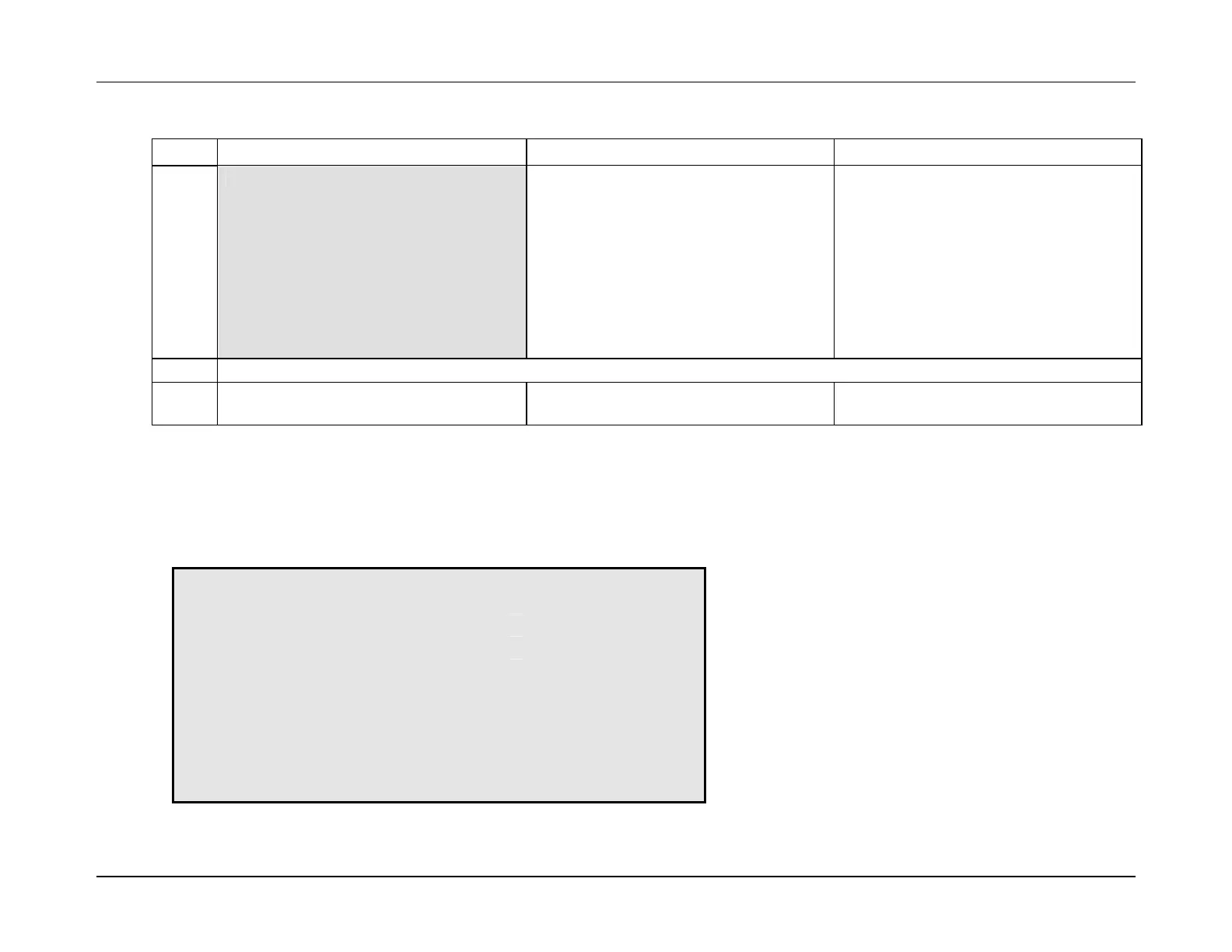
8.
To synchronize GenWare to the clock in
your computer, check the Auto box in the
lower left corner of the Date and Time
window.
Doing so will transfer the computers time
and date settings to the time and date
dialog boxes in the upper half of the Date
and Time window. Clicking on Apply will
apply those settings to the generator’s
clock.
To synchronize GenWare to the clock in
your touchscreen, press the Synchronize
button in the lower left corner of the Date
& Time Control Window.
Doing so will transfer the Touchscreen
computer’s time and date settings to the
time and date dialog boxes in the upper
half of the Date and Time Control
Window. Pressing Apply will apply
those settings to the generator’s clock.
NOTE: The time does not increment when in the SET TIME & DATE mode.
9.
Press EXIT to return to the UTILITY
menu.
Press Close to exit the Date and Time
window.
Press Close to exit the Date & Time
Control Window.
3C.5.2 Error Log
This utility allows display of the error messages stored in the generator’s error log. The error log storage limit is 200 messages at which point
the generator will replace the oldest with the most recent.
The ERROR LOG menu for the membrane console is shown below.
* ERROR LOG *
ERROR # 1 OF 18
DATE: 8-19-2002 TIME: 13:09
ERROR CODE: 200 +
ERROR MESSAGE: ANODE HEAT WARN -
KVp: 80 mA: 100 ms: 200
EXIT


 To Next Page