11
OPERATING INSTRUCTIONS FOR THE FA1000
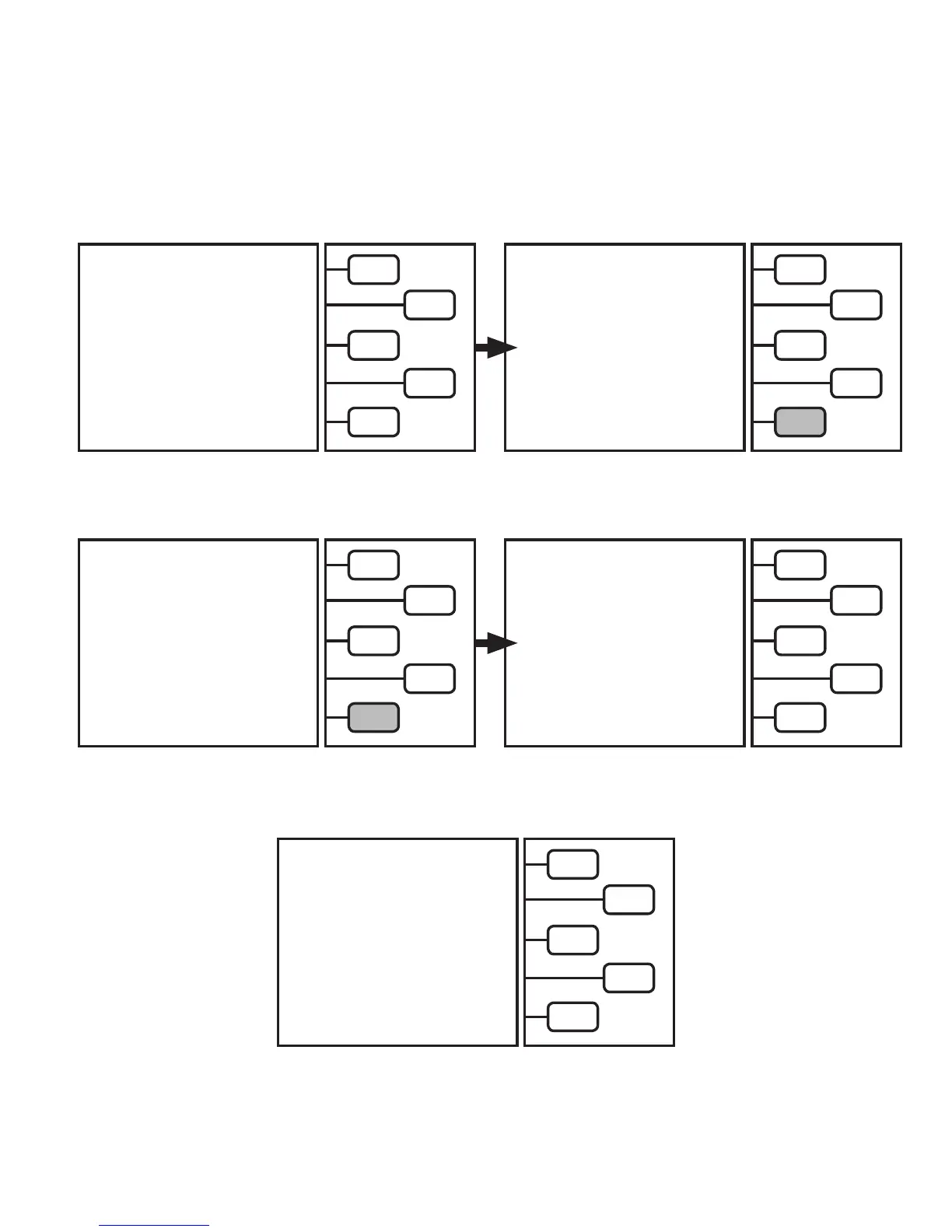
CHARGING COMPLETE
CHARGE SELECTED
2.00 LBS
CHARGE DISPENSED
2.00 LBS
QUIT >
Charge is now complete. Push
QUIT
key to return to
MAIN MENU.
CHARGE SELECTED
2.00 LBS
CHARGE DISPENSED
0.00 LBS
QUIT >
Once the CHARGE DISPENSED equals the CHARGE.
The LCD will read: Close HIGH SIDE COUPLER.
Push
CONTINUE
key.
CLOSE HIGH SIDE COUPLER
CONTINUE >
The LCD will now read:
The
CHARGE DISPENSED
reading will begin to increase.
Note: If the unit does not completely dispense the charge
into the A/C system, the LCD will notify the user of options
to complete the charge.
START CAR A/C SYSTEM
CONTINUE >
PLEASE WAIT...
Start car A/C system, Push CONTINUE key.


 To Next Page