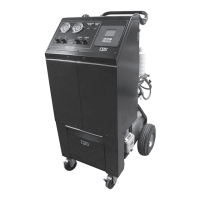
OPERATING INSTRUCTIONS FOR THE FA1000
13
*
TANK CAPACITY REMAINING - is the amount of space available in storage
tank.
RECOVERY IN PROGRESS, PLEASE
WAIT
RECOVERED
1.00 LBS
TANK CAPACITY
REAMAINING
25.00 LBS
QUIT >
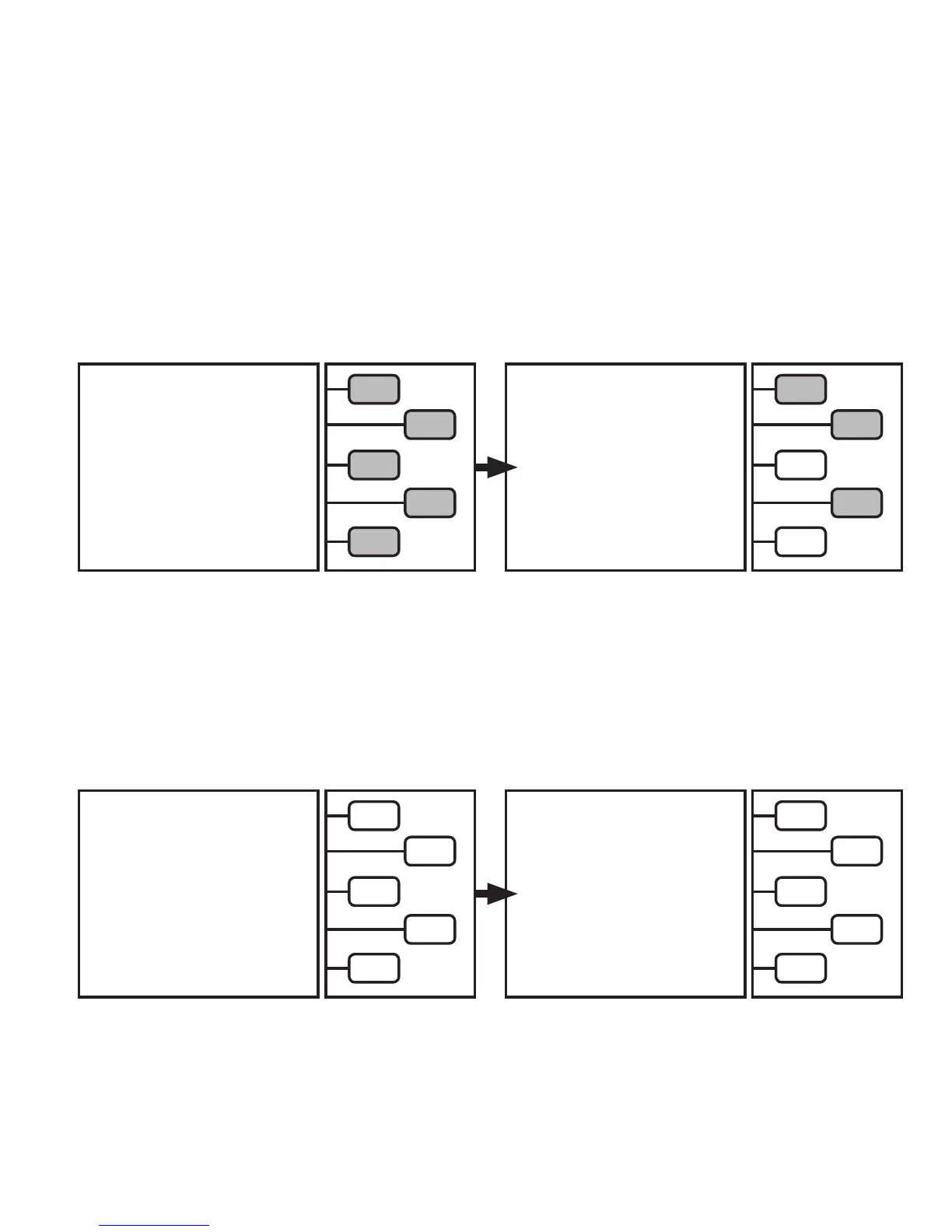
The LCD will now read:
The unit is now recovering refrigerant.
The LCD will show the amount of refrigerant recovered.
RECOVERY COMPLETE
RECOVERED
2.00 LBS
DRAINING OIL
00:00:45
PLEASE WAIT
QUIT >
When the unit reaches the required vacuum level, the
unit will proceed to drain the recovered oil:
The LCD will now read:
If the
CHANGE UNITS
key is pushed, the LCD will read:
Select units of measure.
SELECT UNITS
OF MEASURE
LBS >
LBS : OZ >
KGS >
GRAMS >
OZ >
The LCD will now read:
Continue by pushing the + or - ARROW key until the
charge amount is programmed. Once desired amount is
programmed, push the
START
key.
CHARGE SELECT-
ED
2.00 LBS
* AVAILABLE REF.
24.00 LBS
CHARGE + >
CHARGE - >
CHANGE UNITS >
START >
QUIT >
* AVAILABLE REF. This is the amount of refrigerant available for charging. If this drops below zero, charging will not start.


 To Next Page